
矩阵变换向量
几何画板及绘图内容加载中,请稍等……
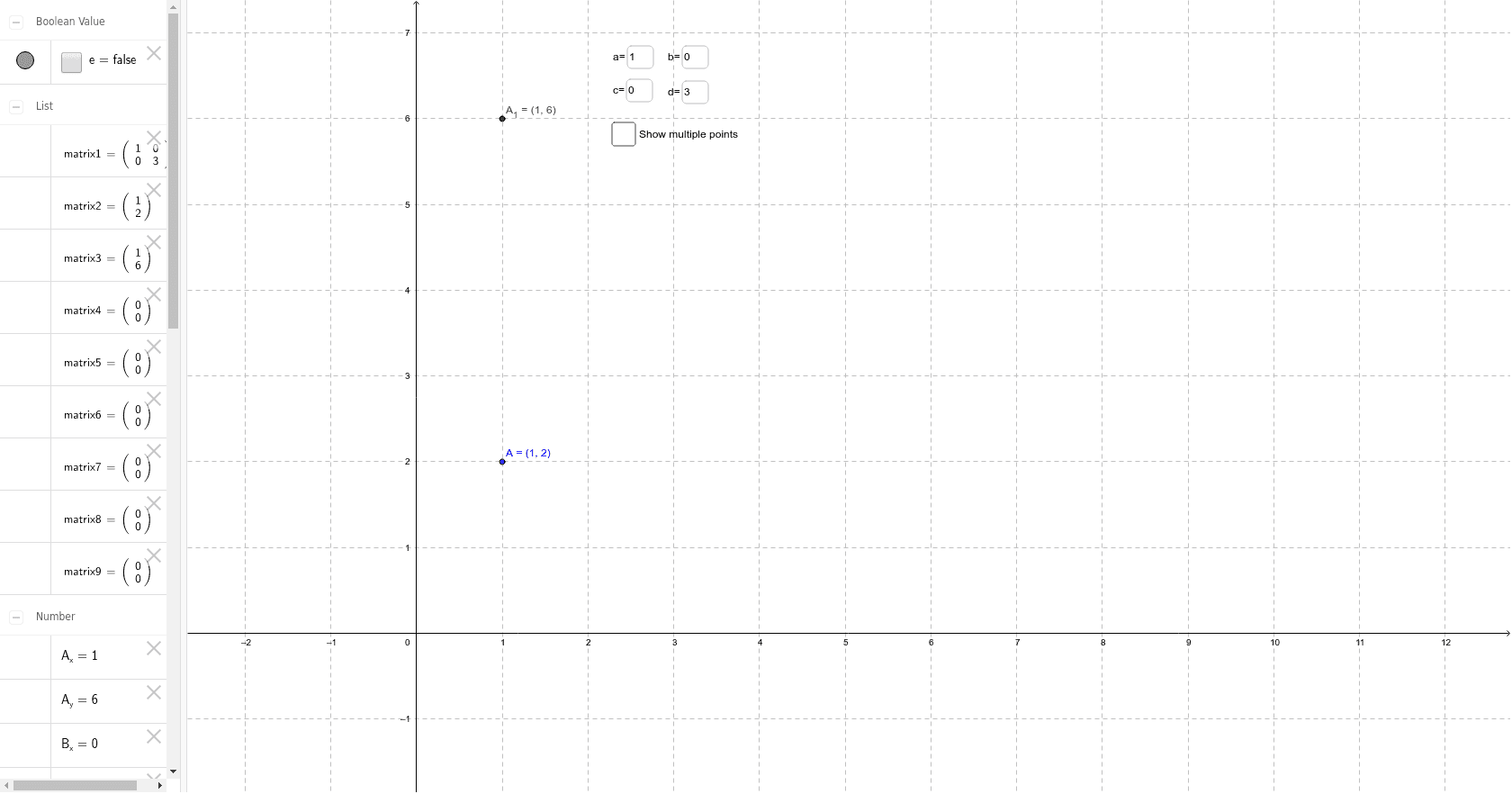
该范例通过GeoGebra动态演示矩阵如何改变平面向量的方向与位置。核心概念包括矩阵乘法、线性变换与向量坐标变换。作图要点:利用Textfield、Element、Intersect、Polygon等命令构建可交互的向量与变换图形,通过inputBox动态输入矩阵元素,生成TransformedShape以实时展示变换结果。适合高中线性代数、解析几何及大学数学入门的可视化教学。
GeoGebra 命令及参数
Textfield(a) → inputBox1Textfield(b) → inputBox2Textfield(c) → inputBox3Textfield(d) → inputBox4Element(matrix3, 1, 1) → A_xElement(matrix3, 2, 1) → A_yElement(matrix5, 1, 1) → B_xElement(matrix5, 2, 1) → B_yElement(matrix7, 1, 1) → C_xElement(matrix7, 2, 1) → C_yIntersect(xAxis, yAxis) → DElement(matrix9, 1, 1) → D_xElement(matrix9, 2, 1) → D_yPolygon(C_1, A_1, D_1, B_1) → TrransformedShape, c_1, a_1, d_1, b_1