
乘法表掌握
几何画板及绘图内容加载中,请稍等……
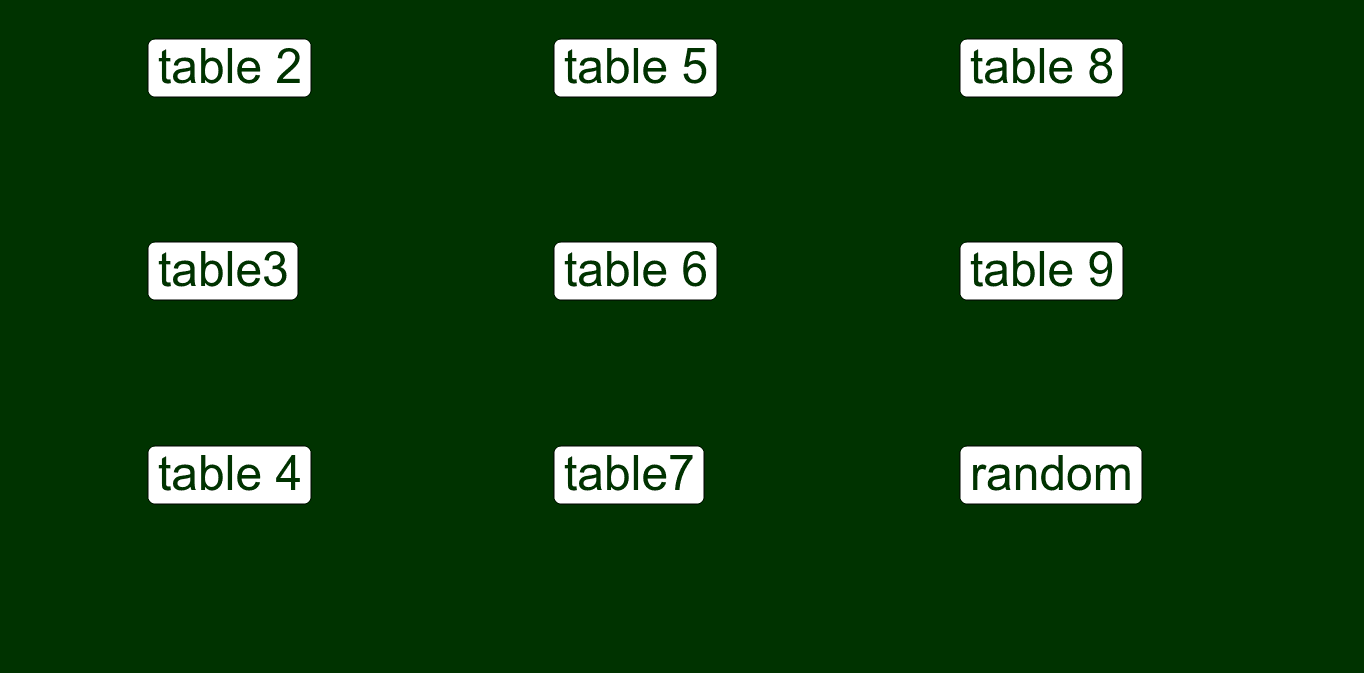
本范例通过互动方式帮助学生掌握乘法表。它涉及的核心数学概念是乘法运算。通过使用 GeoGebra 命令如 Last, Element, Textfield, Random 等,可以动态生成乘法题目,学生输入答案后,系统会即时反馈正确与否。适合小学高年级及初中学生使用,有助于提高乘法运算的熟练度。
GeoGebra 命令及参数
Last(done) → multElement(mult, 1) → multiplierTextfield(in02) → inputBox02Textfield(in03) → inputBox03Textfield(in04) → inputBox04Textfield(in05) → inputBox05Textfield(in06) → inputBox06Textfield(in07) → inputBox07Textfield(in08) → inputBox08Textfield(in09) → inputBox09Random(3, 9) → randMultiplicandRandom(2, 9) → randMultiplierTextfield(in_r) → inputBox_r
AI 绘图提示语参考
创建一个互动的乘法表练习,包含9个输入框,分别用于输入9个乘法问题的答案。随机生成两个数,一个在3到9之间,另一个在2到9之间,作为乘法问题的因子。学生在输入框中输入答案,系统会即时反馈正确与否。
以上提示语为根据原始绘图命令整理而来,仅供参考。