
折纸立方体
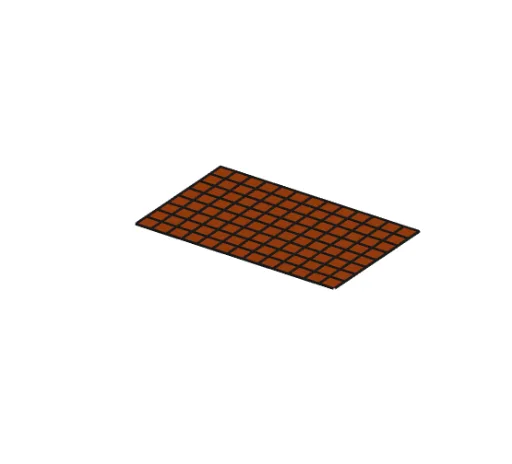
几何画板及绘图内容加载中,请稍等……
①本范例演示如何通过折纸构造一个立方体模型;②涉及的核心数学概念包括立体几何、体积计算、多边形构造;③作图要点使用了Point, Polygon, Segment, Join, Prism等GeoGebra命令和对象;④适合高中阶段学生学习和理解三维图形的构造与体积计算。
GeoGebra 命令及参数
Point({((-length)) / 2, ((-width)) / 2, 0}) → homeCornerPolygon((0, 0) + homeCorner, (length, 0) + homeCorner, (length, width) + homeCorner, (0, width) + homeCorner) → poly1, f, g, h, iPolygon(A, B, C, D) → q1, a, b, c, dPolygon(D, E, F, G) → q2, d_1, e, f_1, g_1Polygon(G, H, I, J) → q3, g_2, h_1, i_1, jPolygon(J, K, L, C) → q4, j_1, k, l_1, c_1Polygon(P, Q, G, R) → q5, p, q, g_3, rPolygon(Z, O, W, J) → q6, z_1, o, w_1, j_2Polygon(T, D, S, homeCorner) → q7, t, d_2, s, homecornerPolygon(C, U, N, V) → q8, c_2, u, n, vSegment(D, D + (0, ((width - (2 * cut)) * creases))) → mSegment(G, G + (((length - (2 * cut)) * creases), 0)) → k_1Segment(J, J + (0, ((-(width - (2 * cut))) * creases))) → m_1Segment(C, C + (((-(length - (2 * cut))) * creases), 0)) → n_1Polygon(G, J, C, D) → q9, g_4, j_3, c_3, d_3Polygon(P, H, G, F) → q10, p_1, h_2, g_5, f_2Polygon(I, O, K, J) → q11, i_2, o_1, k_2, j_4Polygon(E, homeCorner, A, D) → q12, e_1, homecorner_1, a_1, d_4Polygon(C, L, N, B) → q13, c_4, l_2, n_2, b_1Join({Sequence[Segment[homeCorner + (i, 0), homeCorner + (i, width)], i, 0, length], Sequence[Segment[homeCorner + (0, i), homeCorner + (length, i)], i, 0, width]}) → L_1Prism(q9, (-cut)) → q_1, M, edgeGM, edge3, edge1, edge2, edge4, edge6, edge7, edge5, A_1, B_1, C_1, face4, face2, face1, face3, face5