
其他进制探究
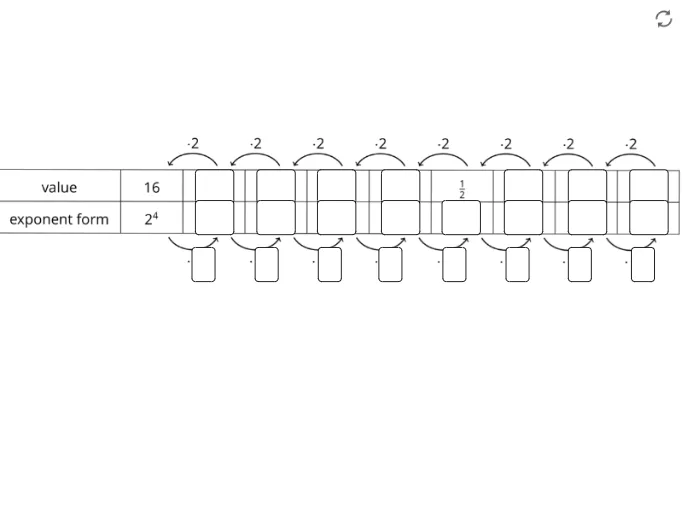
几何画板及绘图内容加载中,请稍等……
①本范例演示了不同进制(如二进制、八进制等)的表示与转换;②涉及核心数学概念包括进制转换、数值表示、逻辑运算;③构造摘要中使用了Textfield、对象G,H,I,J,K,L,C,D、pic2、f1-f22、InputBox1-8等GeoGebra命令/对象进行图形展示和交互式输入;④适合初中及以上学生学习进制知识,或作为数学兴趣小组的探究工具。
GeoGebra 命令及参数
Textfield(f1) → InputBox1Textfield(f2) → InputBox2Textfield(f3) → InputBox3Textfield(f4) → InputBox4Textfield(f5) → InputBox5Textfield(f6) → InputBox9Textfield(f7) → InputBox6Textfield(f8) → InputBox8Textfield(f9) → InputBox28Textfield(f9) → InputBox10Textfield(f10) → InputBox11Textfield(f11) → InputBox12Textfield(f12) → InputBox13Textfield(f13) → InputBox14Textfield(f14) → InputBox15Textfield(f15) → InputBox16Textfield(f16) → InputBox17Textfield(f17) → InputBox19Textfield(f18) → InputBox20Textfield(f19) → InputBox21Textfield(f20) → InputBox22Textfield(f21) → InputBox23Textfield(f22) → InputBox24Textfield(f23) → InputBox25Textfield(f24) → InputBox18
AI 绘图提示语参考
画一个展示不同进制转换的图形,包括二进制、八进制等。使用输入框输入数字,显示不同进制的数值转换结果。首先创建输入框输入数字,然后创建文本字段显示二进制、八进制等的转换结果。
以上提示语为根据原始绘图命令整理而来,仅供参考。