
直线方程给定线性图形(练习)
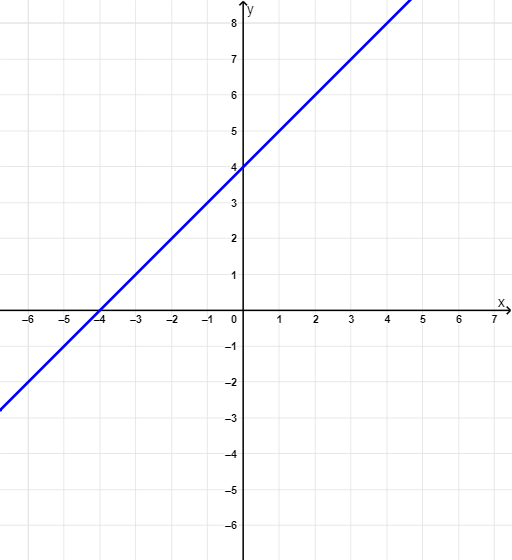
几何画板及绘图内容加载中,请稍等……
①本范例演示如何根据直线图形形成直线方程;②涉及核心数学概念:方程、线性函数、斜率、点;③构造要点:使用了Random, RandomElement, Point, Line, Slope, Textfield, If等GeoGebra命令/对象;④适合高中阶段学生自学或教师教学演示。
GeoGebra 命令及参数
Random(-4, 5) → c, 4RandomElement({-4, -3, -2.5, -2, -1.5, -1, -0.5, 0, 0.5, 1, 1.5, 2, 3, 4}) → m, 1Point(f) → PPoint(f) → BLine(P, B) → aSlope(a) → m_1Textfield(f_{answer}) → inputBox1If(CorrectAnswer ≟ true, "Well Done, Pro! Try another one...", "Take a break, try again!") → text2Slope(a) → m_2Slope(a) → m_3
AI 绘图提示语参考
画一条直线,给定直线上两个点P和B,通过这两个点画直线a。计算直线a的斜率m1,并在输入框inputBox1中输入答案。根据斜率m1判断是否正确,如果正确则显示“Well Done, Pro! Try another one...”,否则显示“Take a break, try again!”。
以上提示语为根据原始绘图命令整理而来,仅供参考。