
长方体对角线计算提示
几何画板及绘图内容加载中,请稍等……
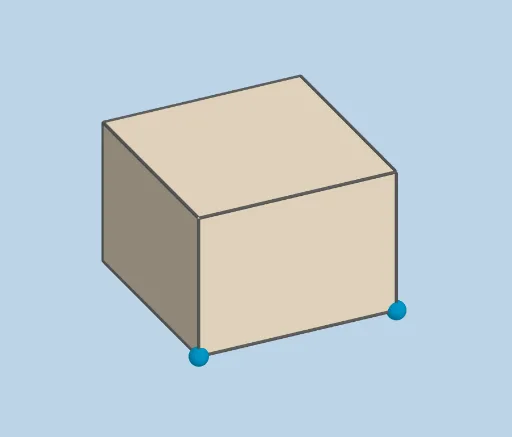
①本范例演示如何动态计算任意长方体的对角线长度;②涉及核心数学概念:立体几何、空间向量、勾股定理的扩展应用;③作图要点:使用 GeoGebra 命令 Prism(棱柱)、Dilate(缩放)、Polygon(多边形)、Segment(线段)、Angle(角度)等构建长方体并计算对角线;④适合高中立体几何教学或自学,用于理解空间几何计算方法。
GeoGebra 命令及参数
Prism(G, F, A, I, H) → s, J, edgeFG, edgeAF, edgeAI, edgeGI, edgeGH, edgeFJ, edgeAK, edgeIL, edgeHJ, edgeJK, K, edgeKL, edgeHL, L, faceAFGI, faceFGHJ, faceAFJK, faceAILK, faceGHLI, faceHJKLDilate(A, If[9 < animate ≤ 10, 10 - animate, 0], F) → A'Polygon(A, F, G) → t1, g, a_1, f_1Segment(A, A') → hDilate(F, If[10 < animate ≤ 11, 11 - animate, 0], G) → F'Segment(F, F') → jAngle(G, F, A) → αDilate(G, If[11 < animate ≤ 12, 12 - animate, 0], A) → G'Segment(G, G') → kDilate(G, If[13 < animate ≤ 14, 14 - animate, 0], H) → G'_1Segment(G, G'_1) → lDilate(H, If[14 < animate ≤ 15, 15 - animate, 0], A) → G'_2Segment(H, G'_2) → mAngle(H, G, A) → βPolygon(H, G, A) → t2, a_2, h_1, g_1