
天平等式加法练习:用砝码平衡方程
几何画板及绘图内容加载中,请稍等……
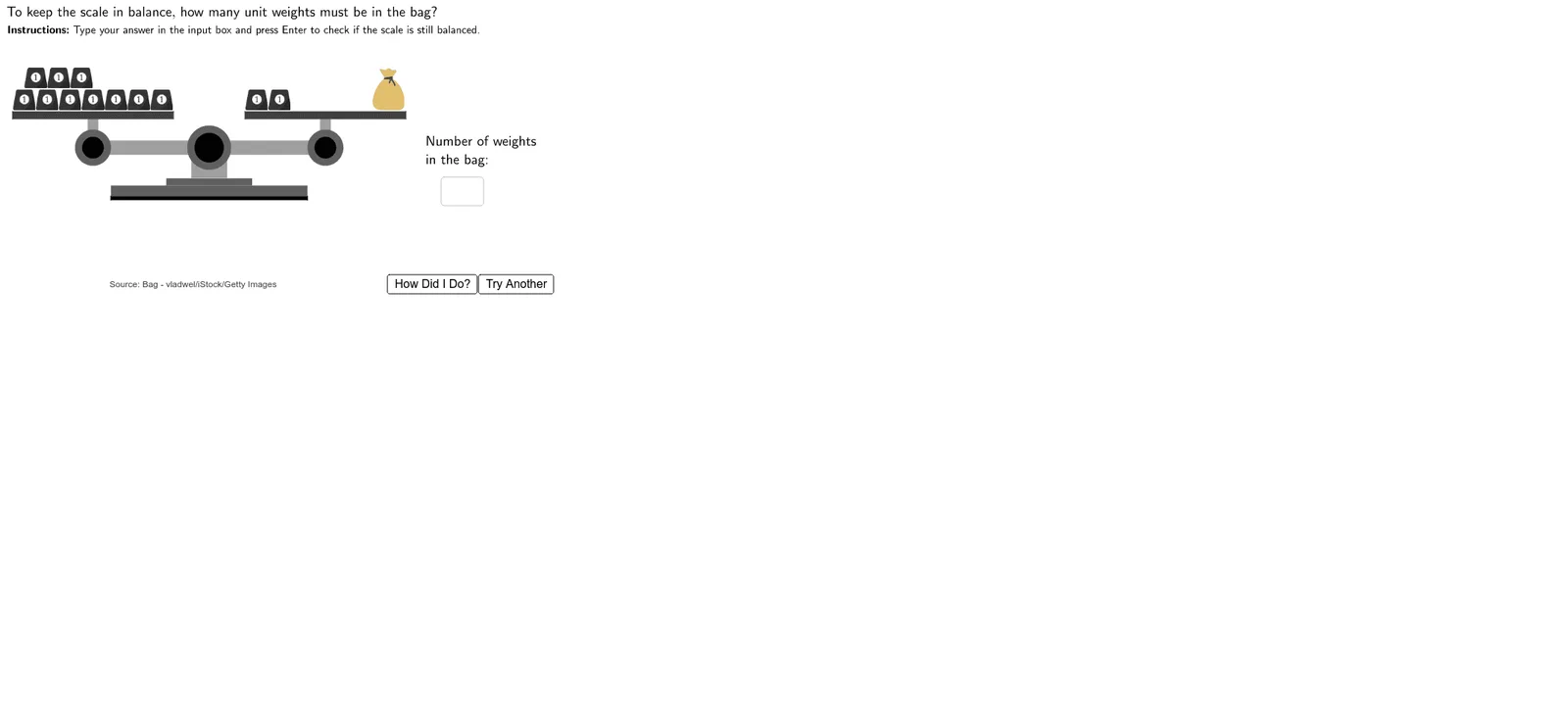
该范例通过交互式天平模型演示等式加法的基本概念。用户在天平两侧添加或移动砝码,观察方程两边数值变化,从而理解等式两边同时加减相同量仍保持平衡的原理。核心数学概念包括等式性质、加法运算和代数思维。作图要点:使用GeoGebra的Textfield、InputBox创建输入框,Polygon和Circle绘制天平与砝码,Random生成随机题目,并通过Move、ScaleBottom等对象实现砝码的拖动和缩放,配合TryAnother、HowDidIDo等按钮提供交互反馈。适合小学高年级至初中学生,用于直观学习解方程和等式变换,也可作为数学教师课堂演示工具。
GeoGebra 命令及参数
Textfield(Usertext) → InputBox1Polygon((2.75, 1.95), (2.75, 2.05), (8.25, 2.05), (8.25, 1.95)) → ScaleBottom1, f, g, h, iPolygon((4.3, 2.35), (4.3, 2.55), (6.7, 2.55), (6.7, 2.35)) → ScaleBottom3, n, p, q, rPolygon((5, 2.55), (5, 3.25), (6, 3.25), (6, 2.55)) → ScaleBottom4, s, t, d, ePolygon((2.75, 2.05), (2.75, 2.35), (8.25, 2.35), (8.25, 2.05)) → ScaleBottom2, j, k, l, mPolygon(Left + (0, 0.2), Left - (0, 0.2), Right - (0, 0.2), Right + (0, 0.2)) → ScaleArm, f_1, g_1, h_1, i_1Circle(Left, 0.5) → LeftArmCircle1Circle(Left, 0.3) → LeftArmCircle2Circle(Right, 0.5) → RightArmCircle1Circle(Right, 0.3) → RightArmCircle2Polygon(Left - (0.15, 0), Left + (0.15, 0), Left + (0.15, 0.8), Left + (-0.15, 0.8)) → LeftArmStand, j_1, k_1, l_1, m_1Polygon(Right - (0.15, 0), Right + (0.15, 0), Right + (0.15, 0.8), Right + (-0.15, 0.8)) → RightArmStand, n_1, p_1, q_1, r_1Polygon(Left + (-2.25, 0.8), Left + (-2.25, 1), Left + (2.25, 1), Left + (2.25, 0.8)) → LeftTray, s_1, t_1, a_1, b_1Polygon(Right + (-2.25, 0.8), Right + (-2.25, 1), Right + (2.25, 1), Right + (2.25, 0.8)) → RightTray, c_1, d_1, e_1, f_2Circle((5.5, 3.4), 0.6) → ScaleBottom5Circle((5.5, 3.4), 0.4) → ScaleBottom6Random(1, 2) → numorderRandom(1, 2) → sideorder