
Unit Circle with Sliders
Loading the math board and drawing, please wait…
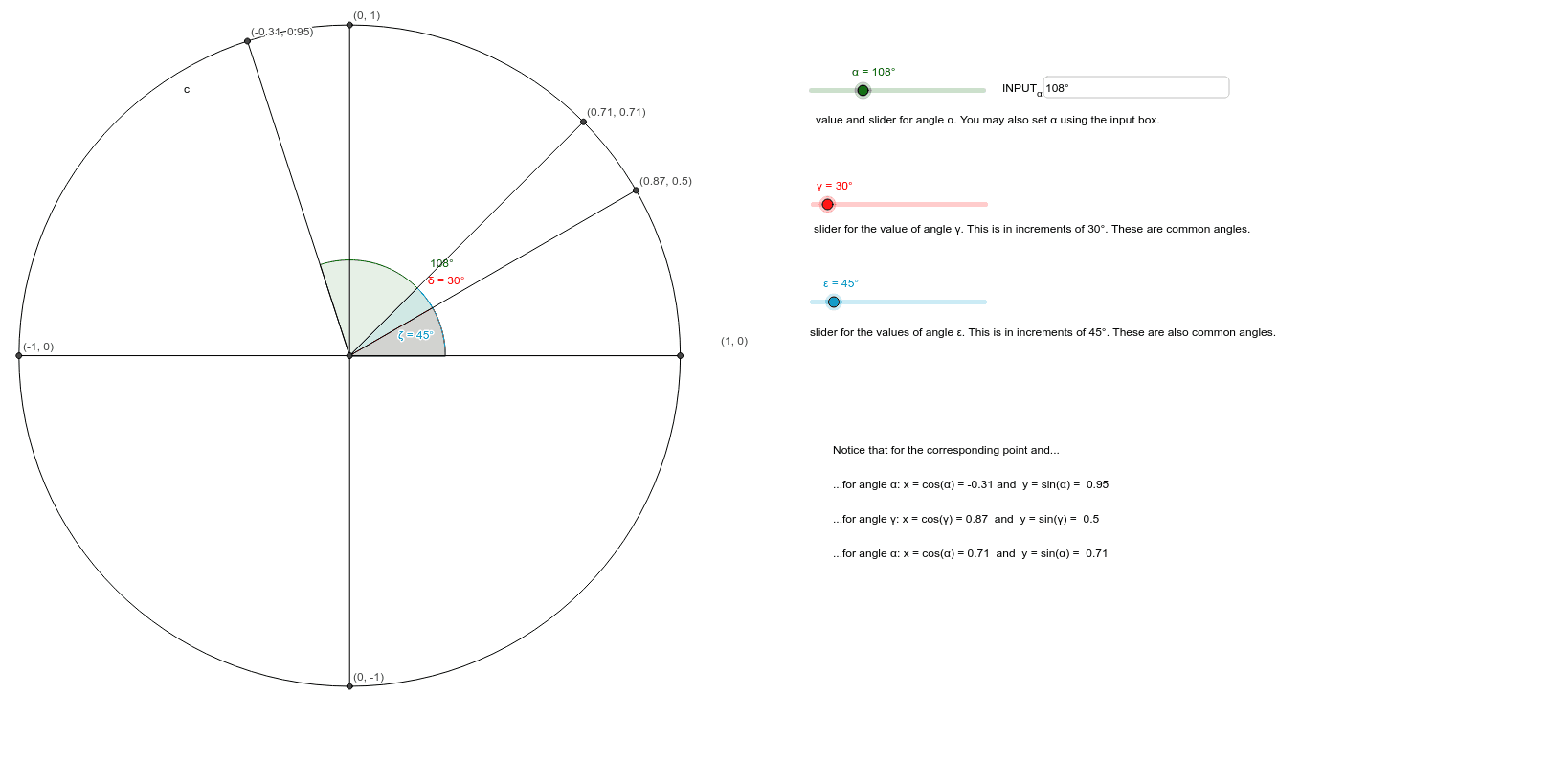
This example presents an interactive unit circle with sliders that allow users to vary the angle α and observe the corresponding sine and cosine values. It illustrates the fundamental concepts of the unit circle, trigonometric functions, and angle measurement. The construction uses GeoGebra commands such as Intersect, Circle, Rotate, Angle, Segment, and Textfield, together with objects like A, c, α, B, B', etc., to dynamically draw the circle, points, and coordinate labels. It is intended for high‑school students and anyone studying trigonometry, geometry, or interactive mathematics.
GeoGebra Commands & Parameters
Intersect(xAxis, yAxis) → ACircle(A, 1) → cIntersect(c, xAxis, 2) → BRotate(B, α, A) → B'Angle(B, A, B') → βRotate(B, γ, A) → B'_1Angle(B, A, B'_1) → δRotate(B, ε, A) → B'_2Angle(B, A, B'_2) → ζSegment(A, B) → aIntersect(c, xAxis, 1) → CIntersect(c, yAxis, 2) → DIntersect(c, yAxis, 1) → ESegment(A, D) → bSegment(A, C) → dSegment(A, E) → eSegment(A, B) → fSegment(A, B') → gSegment(A, B'_2) → hSegment(A, B'_1) → iTextfield(α) → INPUT_α
AI Drawing Prompt Reference
Draw a unit circle with a point A at the top of the origin. Point B is on the right side of the circle. There is a slider to control the angle α, with sine and cosine values displayed nearby. Points C, D, and E are on the top, middle, and bottom of the circle. Line segments connect A to B, A to C, A to D, and A to E. The overall figure illustrates the unit circle, angle measurement, and trigonometric values.
The prompt above was compiled from the original drawing commands and is for reference only.