
Translation Construction: Translating a Quadrilateral by a Vector
Loading the math board and drawing, please wait…
In collections
Geometric Constructions
Geometric Constructions
Geometric Transformations with Geogebra
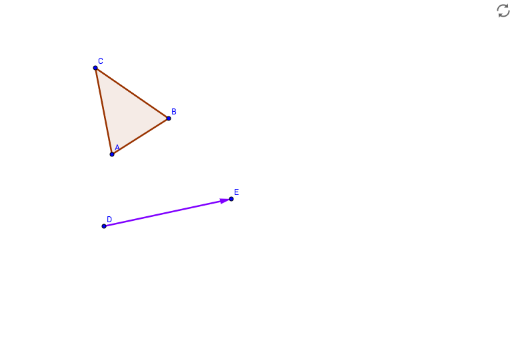
This GeoGebra example illustrates the construction of translating a general quadrilateral along a specified vector, providing a dynamic visual of how the shape moves without changing its size or orientation. The core mathematical concepts are translation in plane geometry, vectors, corresponding vertices and edges, and the property that a translated figure is congruent to the original. The construction employs GeoGebra commands including Polygon, Vector, Translate, Line, and Circle to create the original quadrilateral, define the translation vector, generate the translated polygon, and add step-by-step interactive elements such as step indicators, an answer reveal toggle, and a correctness check. This resource is ideal for middle school or high school geometry classes, as well as for teachers creating dynamic demonstrations to help students grasp the meaning of translation and its vector representation.
GeoGebra Commands & Parameters
Polygon(A, B, C) → poly1, c, a, bVector(D, E) → uTranslate(A, u) → target1Translate(B, u) → target2Translate(C, u) → target3Polygon(target1, target2, target3) → targetPoly, c', a', b'Line(F, G) → fCircle(J, K) → d
AI Drawing Prompt Reference
Draw an arbitrary quadrilateral and a vector, then translate the quadrilateral using the vector to create a translated quadrilateral, showing the translation process. Add a slider to control the translation distance and direction, and use lines and circles for assistance to make the figure dynamically change, intuitively demonstrating the geometric meaning and vector representation of translation.
The prompt above was compiled from the original drawing commands and is for reference only.