
The 100 Doors Puzzle
Loading the math board and drawing, please wait…
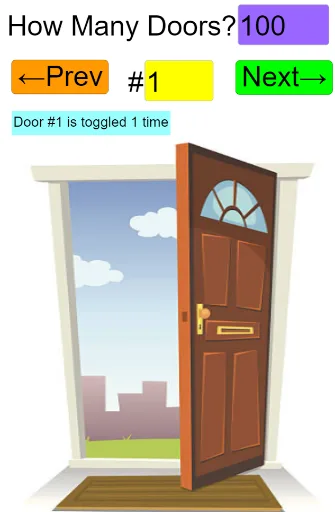
This example demonstrates the toggling state of 100 doors as a person walks through them multiple times, involving concepts like factors, multiples, logic, and pattern recognition. It is constructed using GeoGebra commands such as Sequence, Zip, Textfield, and If, making it suitable for high school students learning mathematical logic and pattern recognition.
GeoGebra Commands & Parameters
Sequence(k, k, 1, NumberOfDoors, 1) → DoorIndexListSequence(Sum[If[IsInteger[Element[DoorIndexList, l] / j], 1, 0], j, 1, NumberOfDoors], l, 1, NumberOfDoors, 1) → NumberOfFactorsListZip(If[IsInteger[m / 2], "Closed", "Open"], m, NumberOfFactorsList) → DoorPositionListTextfield(DoorIndexInput) → DoorIndexInputBoxIf(DoorIndex ≟ 1, "time", "times") → TimeTextTextfield(NumberOfDoorsInput) → DoorNumberInputBox
AI Drawing Prompt Reference
Visualize the toggling state of 100 doors as they are walked through multiple times, with doors changing between open and closed based on the number of factors each door index has, where odd counts result in open doors and even counts in closed doors. Display the doors from 1 to 100, using distinct colors or symbols to indicate open and closed states, and label the total number of doors and the number of times walked through.
The prompt above was compiled from the original drawing commands and is for reference only.