
Surface Area Calculator
Loading the math board and drawing, please wait…
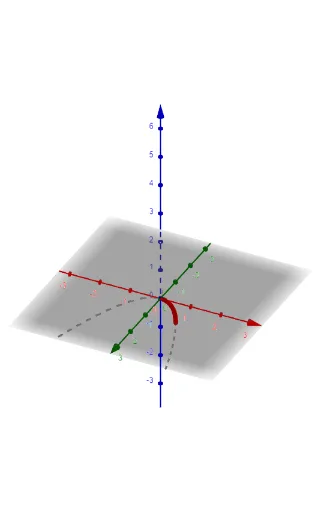
This example demonstrates how to use GeoGebra to construct and calculate the surface area of three-dimensional shapes. Core math concepts include area, surface, 2D vectors, piecewise functions, similar triangles, algebra, and bar charts. It utilizes commands like Textfield, CurveCartesian, Surface, Derivative, and objects such as f, a, b, InputBox1, InputBox2, InputBox3, cur, c, d, Surfx, Surfy, der, arcx, e, arcy, k, df, text1, text2, text3, g. Suitable for high school students learning solid geometry and calculus, it serves as an interactive teaching tool.
GeoGebra Commands & Parameters
Textfield(f) → InputBox1Textfield(a) → InputBox2Textfield(b) → InputBox3CurveCartesian(t, f(t), t, a, b) → curSurface(cur, (2 * π), xAxis) → SurfxSurface(cur, (2 * π), yAxis) → SurfyDerivative(f) → df
AI Drawing Prompt Reference
Create a surface area calculator for three-dimensional shapes, featuring input fields for a function and parameters, showing the function curve and its rotation surfaces around the X and Y axes, along with the function's derivative to illustrate concepts in solid geometry and calculus.
The prompt above was compiled from the original drawing commands and is for reference only.