
Square Construction from Segment
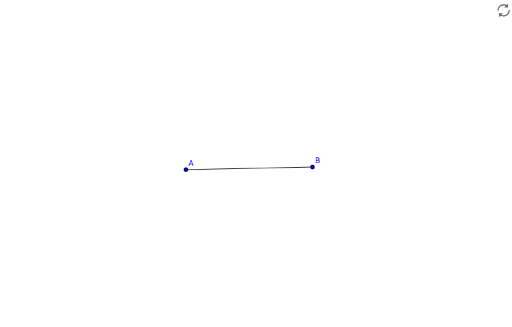
Loading the math board and drawing, please wait…
This example demonstrates how to construct a square from a segment. Key math concepts include segments, orthogonal lines, circles, intersections, and polygons. Construction highlights the use of GeoGebra commands: Segment, OrthogonalLine, Circle, Intersect, Polygon, Text; objects: step1, A, B, a, showAnswer, i, p, C, D, q, s, E, poly1, a_2, b_2, p_1, n, F, text1, finished. Suitable for middle school and above students learning geometric constructions.
GeoGebra Commands & Parameters
Segment(A, B) → aOrthogonalLine(A, a) → iCircle(A, a) → pIntersect(p, i, 2) → CIntersect(p, i, 1) → DCircle(C, Radius[p]) → qCircle(B, Radius[p]) → sIntersect(q, s, 1) → EPolygon(A, B, E, C) → poly1, a_2, b_2, p_1, nText("Nailed it!", F) → text1
AI Drawing Prompt Reference
Start by drawing a segment AB. Then, draw a circle with center A and radius AB, and draw a perpendicular line to AB at A. The intersection of the circle and the perpendicular line is point C. Next, draw a circle with center C and radius AC, and draw another circle with center B and radius AB. The intersection of these two circles is point E. Finally, connect points A, B, E, and C to form a square. Write 'Nailed it!' at an appropriate location.
The prompt above was compiled from the original drawing commands and is for reference only.