
Solving One-Step Equations: Division
Loading the math board and drawing, please wait…
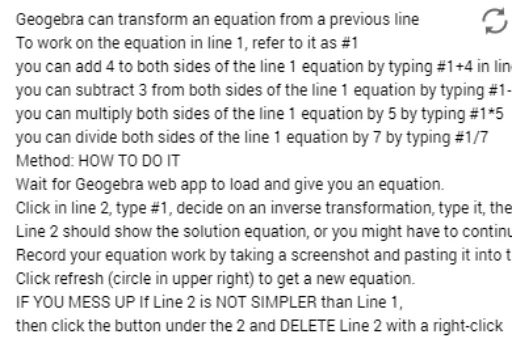
This example demonstrates how to solve one-step division equations using GeoGebra. It dynamically shows the solution process for the equation a/x = b, involving core math concepts like equation solving, division operations, and algebraic manipulation. Key GeoGebra commands used include Random to generate random coefficients a and b, and text2 object to display the equation and solution. Suitable for middle school mathematics teaching, helping students understand the steps and variations in solving one-step equations.
GeoGebra Commands & Parameters
Random(-9, 9) → aRandom(-9, 9) → b
AI Drawing Prompt Reference
Create a math teaching diagram showing the step-by-step solution of a one-step division equation. Display a central equation where an unknown variable divided by a random integer equals another random integer, both integers ranging from negative nine to positive nine. Next to the equation, use arrows and labels to illustrate the solving process, emphasizing multiplication to isolate the variable and revealing the final solution. Keep the design clean and clear for middle school students, focusing on the algebraic manipulation.
The prompt above was compiled from the original drawing commands and is for reference only.