
Sketching Derivatives: Interactive Function and Its Derivative Graph
Loading the math board and drawing, please wait…
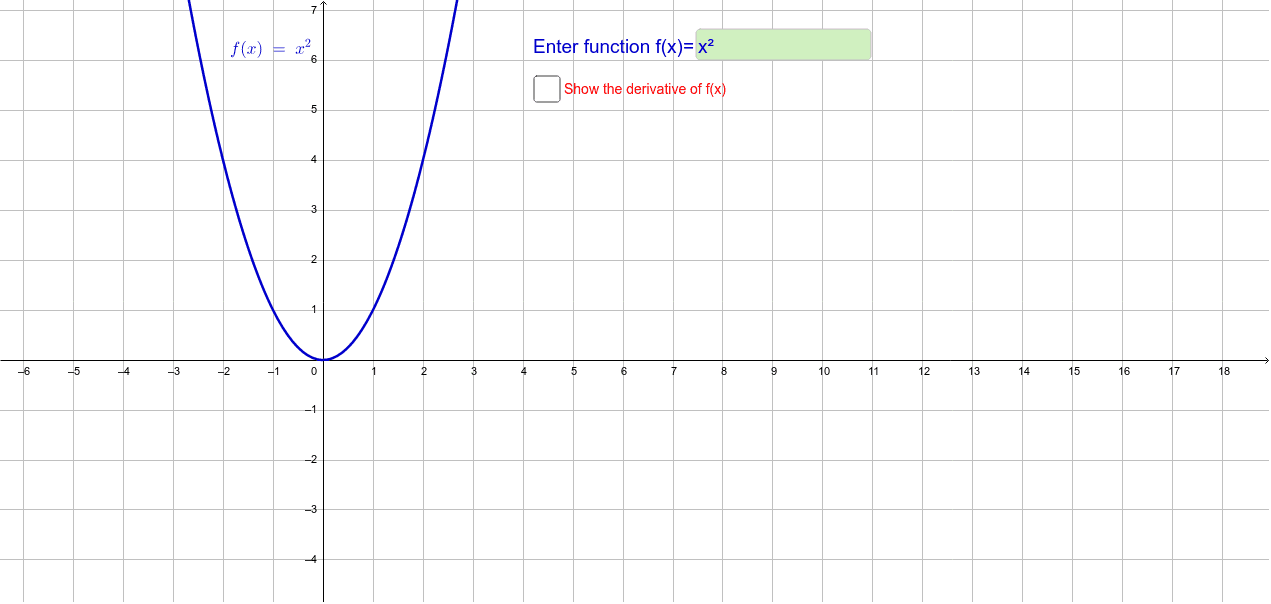
① This GeoGebra example demonstrates how to sketch the derivative f' of a given function f interactively, with an input box allowing users to modify the function and instantly see the resulting derivative graph. ② Core mathematical concepts include the geometric meaning of derivatives (slope of tangent lines), the relationship between a function and its derivative, and using derivatives to analyze monotonicity and extrema. ③ Construction highlights: The Derivative command generates the derivative function, while Textfield and InputBox1 provide an editable input field; when the user types a new function, both f and f' update automatically, with parameter a possibly controlling display range or a specific point. ④ Suitable for high school to early college calculus instruction, ideal for classroom demonstrations of derivative concepts, student exploration of derivative shapes for various functions, or as an interactive homework tool.
GeoGebra Commands & Parameters
Textfield(f) → InputBox1Derivative(f) → f'