
Sketching a Complex Set
Loading the math board and drawing, please wait…
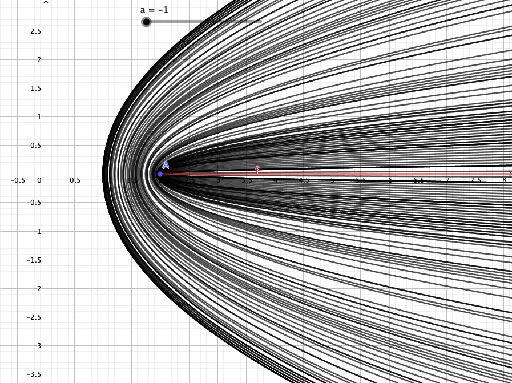
This example demonstrates how to sketch a complex set using GeoGebra. It involves core mathematical concepts like complex numbers and geometric construction. Key GeoGebra commands used include Ray, with objects a, c, b, A, f. Suitable for high school and above learners to understand complex number geometric representation and optimization problems.
GeoGebra Commands & Parameters
Ray(A, (5, 0)) → f
AI Drawing Prompt Reference
Draw a ray starting from point A with endpoint at (5,0). This example illustrates the geometric representation of complex numbers and how to use a ray to solve optimization problems. First, locate point A, then draw ray f from A, ending on the x-axis at coordinate 5.
The prompt above was compiled from the original drawing commands and is for reference only.