
Sine Law Examples: Dynamic Demonstration and Random Generation
Loading the math board and drawing, please wait…
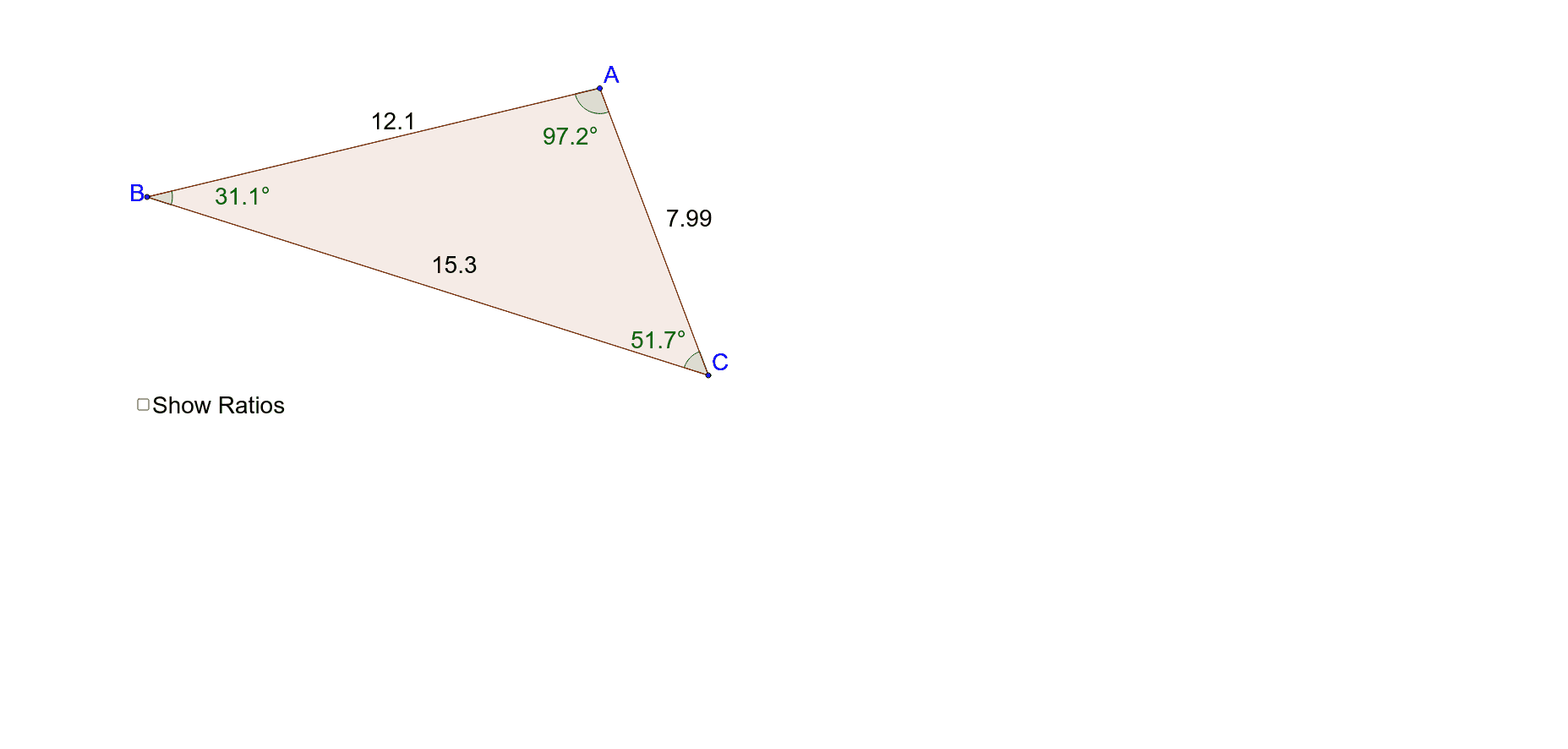
① This example dynamically demonstrates the Law of Sines by generating random triangles and computing the ratios of each side to the sine of its opposite angle, showing that a/sinA = b/sinB = c/sinC. ② The core mathematical concept is the Law of Sines, involving relationships between triangle sides and angles, trigonometric function values, and verification of proportional identities. ③ Construction details: Using GeoGebra commands Segment, Polygon, and Angle to construct triangle ABC with sides a, b, c and angles α, β, γ; computed objects sinA, sinB, sinC and ratios sinAovera, sinBoverb, sinCoverc are displayed via text1, with a slider d to control example generation. ④ Suitable for high school students learning trigonometry and solving triangles, as well as for teachers creating dynamic lessons to help students understand the geometric meaning and algebraic expression of the Law of Sines.
GeoGebra Commands & Parameters
Segment(C, B) → aSegment(C, A) → bSegment(A, B) → cPolygon(B, C, A) → poly1, a_1, b_1, c_1Angle(B, A, C) → αAngle(A, C, B) → βAngle(C, B, A) → γ
AI Drawing Prompt Reference
Draw a triangle ABC with sides a, b, c and angles α, β, γ. Calculate the sine values of each angle and display the ratios of a/sinα, b/sinβ, c/sinγ. Use a slider d to dynamically generate random triangles and observe if the ratios remain consistent.
The prompt above was compiled from the original drawing commands and is for reference only.