
Similar Triangles Exploration Task 2 by gklwong
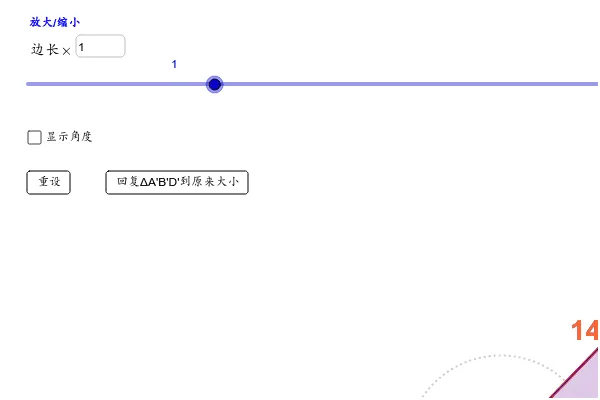
This GeoGebra applet is designed to explore the properties and constructions of similar triangles through interactive geometric visualization. The applet uses geometric construction commands to build relevant figures, allowing users to dynamically investigate how similarity transformations work in practice. Key interactive features include sliders that enable users to manipulate triangle parameters in real time, as well as text boxes that display calculated values for the ratios of corresponding sides, angle relationships, and area changes between similar figures. These dynamic elements work together to provide an intuitive, visual understanding of the mathematical principles underlying similar triangles. Users can adjust the sliders to transform the triangles and immediately observe how the side ratios remain constant, how corresponding angles stay equal, and how the areas scale according to the square of the similarity ratio. The applet is particularly valuable for geometry education, helping students move beyond memorizing formulas to developing a deeper conceptual understanding of similarity transformations and the geometric relationships between figures. Teachers can use this tool in classroom settings to demonstrate key theorems about similar triangles, while students can independently experiment with different configurations to discover patterns and verify properties on their own. The combination of construction-based geometry and dynamic manipulation makes this applet an effective resource for both instruction and self-directed learning in secondary school geometry courses.
Loading the math board and drawing, please wait…