
Side Lengths and Areas: Visualizing Area from Geometric Side Relationships
Loading the math board and drawing, please wait…
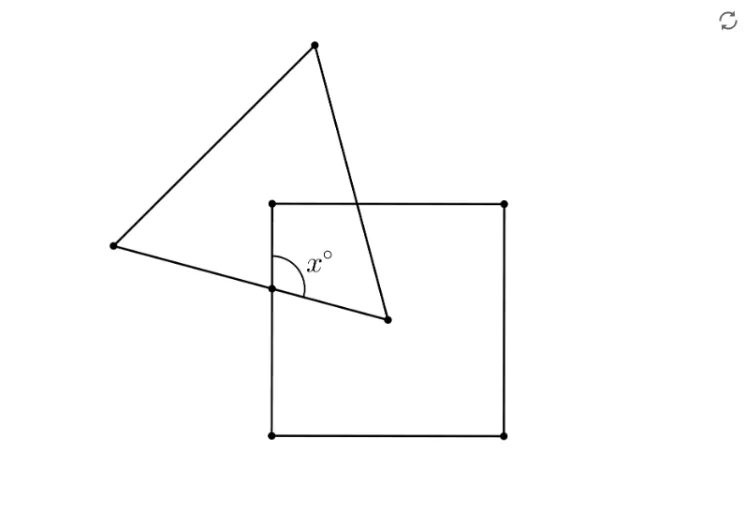
This example demonstrates how to connect triangle side-length relationships with computing area through dynamic geometric construction. Key concepts include triangle side characterization, the Pythagorean theorem (or equivalent squared-length relationships) to establish constraints among side lengths in right triangles, and deriving area as a geometric quantity determined by those side lengths. Construction-wise, the setup is based on GeoGebra objects listed in the summary: points A and B, and the figure/view object pic1. From these points, the construction typically proceeds by creating the triangle’s sides, enforcing the side-length relationship via the Pythagorean framework, and then expressing the area using the corresponding side lengths (e.g., the area of a right triangle or an equivalent geometric area relation). Suitable for middle school to early high school geometry lessons and interactive classroom demonstrations focused on reasoning from side lengths to area.
GeoGebra Commands & Parameters
Point A(-8.918754700454977, -0.855874551577839)Point B(4.25632833589895, -0.855874551577839)
AI Drawing Prompt Reference
Draw a right triangle with point A at (-8.918754700454977, -0.855874551577839) and point B at (4.25632833589895, -0.855874551577839). Construct the two perpendicular sides of the triangle using these points, apply the Pythagorean theorem to determine the length of the hypotenuse, and then calculate and display the area of the triangle.
The prompt above was compiled from the original drawing commands and is for reference only.