
Set Theory Basics: Interactive Union, Sorting, and Text Input
Loading the math board and drawing, please wait…
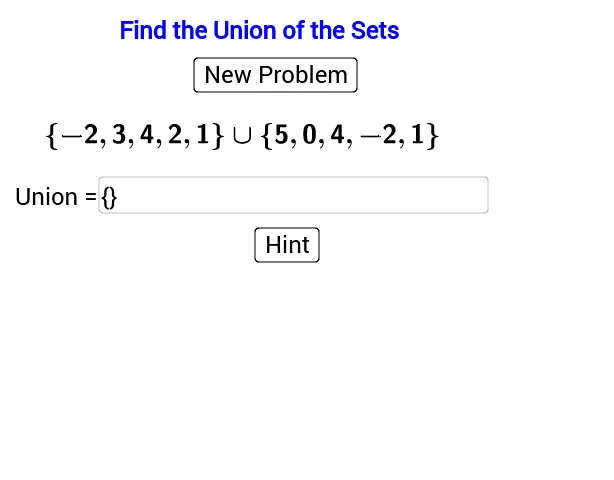
This GeoGebra example provides an interactive demonstration of fundamental set theory operations. ① It shows how to use text fields, buttons, and sorting functions to dynamically manipulate set elements and display results such as the union of two sets. ② Core mathematical concepts include set union, element sorting, set representation, and basic logical organization of data. ③ Construction highlights: from the summary, commands like Sample, Sort, and Textfield are used, with objects including A, B, union, multiple text labels (text1 to text9), an input box (inputBox1), buttons (button1, button2), and variables n and d, enabling interactive set operations. ④ Suitable for middle school students learning introductory set theory, as well as university discrete mathematics courses, this example helps learners visualize abstract set operations and practice building interactive models with dynamic mathematics software.
GeoGebra Commands & Parameters
Sample(Sequence[8] - 3, 5, false) → ASample(Sequence[8] - 3, 5, false) → BSort(Union[A, B]) → unionTextfield(c_1) → inputBox1Sort(c) → d
AI Drawing Prompt Reference
Create an interactive set theory diagram showing two randomly generated integer sets, each with five elements ranging from -2 to 6. Below them, place an input field where users can type a set, which will be merged with the two sets above, then sorted and deduplicated, with the final union displayed on the right. Include two buttons: one to regenerate random sets and another to confirm input. Display all set elements as text labels, and show a counter for the number of elements. Arrange everything clearly for educational demonstration.
The prompt above was compiled from the original drawing commands and is for reference only.