
Rotational Transformations Demo
Loading the math board and drawing, please wait…
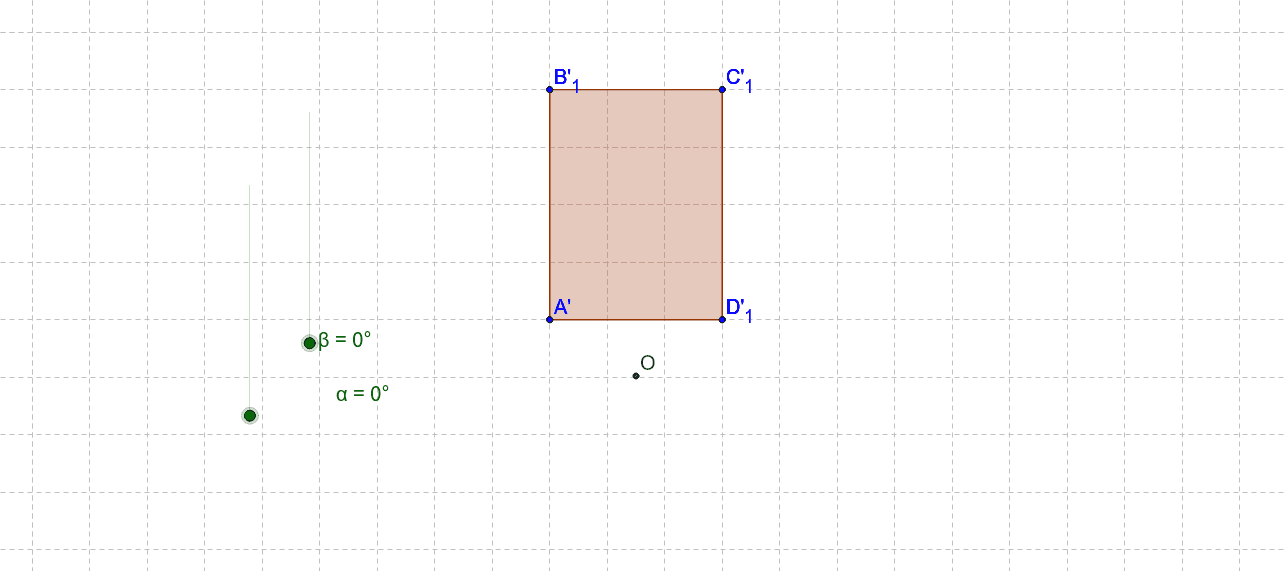
This example demonstrates the phenomenon of graphical rotation around different points; core math concepts include rotational transformation, symmetry, and trigonometry; construction highlights: Polygon, Rotate, CircleArc commands/objects are used; suitable for high school geometry transformation teaching and math club activities.
GeoGebra Commands & Parameters
Polygon(A, B, C, D) → poly1, a, b, c, dRotate(A, (-α), A) → A'_1Rotate(B, (-α), A) → B'_1Rotate(C, (-α), A) → C'_1Rotate(D, (-α), A) → D'_1Polygon(A'_1, B'_1, C'_1, D'_1) → poly1'_1, a', b', c', d'Rotate(A, (-β), O) → A'Rotate(B, (-β), O) → B'Rotate(C, (-β), O) → C'Rotate(D, (-β), O) → D'Polygon(A', B', C', D') → poly1', a'_1, b'_1, c'_1, d'_1CircleArc(O, A', A) → e
AI Drawing Prompt Reference
Draw a quadrilateral, rotate it around one vertex, and show the rotated shape. Then, rotate the original quadrilateral around a different point and display the result. Finally, connect the center of rotation to a point on the rotated shape with a circular arc to illustrate rotational transformation, symmetry, and trigonometry.
The prompt above was compiled from the original drawing commands and is for reference only.