
Right Triangle Properties
Loading the math board and drawing, please wait…
In collections
Satz des Pythagoras - Einführung
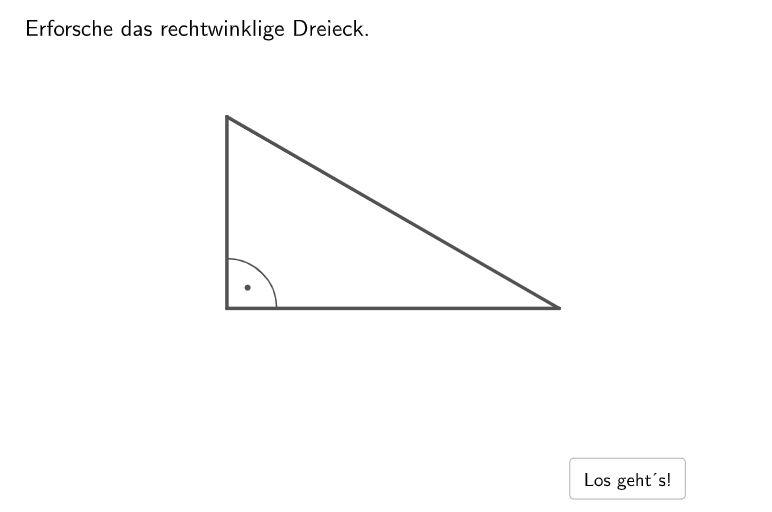
This example demonstrates the properties of a right triangle, including its definition, properties, and relationships among its elements. Using GeoGebra commands such as Textfield, Segment, and Midpoint, the geometric construction of a right triangle is visually illustrated. Suitable for 5-6th grade students to learn about the properties and applications of right triangles.
GeoGebra Commands & Parameters
Textfield(sumAlphaBeta) → InputBox1Segment(A_5, B_5) → c_5Midpoint(c_5) → MittelpunktSemicircle(A_5, B_5) → thaleskreis1Point(thaleskreis1) → thaleskreisEndPoint(thaleskreis1) → thaleskreisStartCircleArc(Mittelpunkt, thaleskreisEnd, thaleskreisStart) → eSelectedIndex(auswahl4) → b_{1}SelectedIndex(auswahl3) → a_{1}Segment(C, A) → bOrthogonalLine(A, b) → gPoint(g) → BSegment(B, A) → cSegment(C, B) → aAngle(B, A, C) → gamma1Segment(A_2, C_2) → b_2OrthogonalLine(C_2, b_2) → kPoint(k) → B_2Segment(A_2, B_2) → c_{1}Segment(C_2, B_2) → a_2Angle(A_2, C_2, B_2) → gamma2Segment(B_3, C_3) → a_3OrthogonalLine(C_3, a_3) → pPoint(p) → A_3Segment(A_3, B_3) → c_3Segment(A_3, C_3) → b_3Angle(A_3, C_3, B_3) → gamma3Segment(A_4, C_4) → b_{4}OrthogonalLine(C_4, b_{4}) → tPoint(t) → B_4Segment(C_4, B_4) → a_4Segment(A_4, B_4) → c_4Angle(A_4, C_4, B_4) → gamma4Semicircle(A_6, B_6) → dPoint(d) → C_6Segment(A_6, B_6) → c_6Segment(B_6, C_6) → a_6Segment(C_6, A_6) → b_6Angle(A_6, C_6, B_6) → gamma6Point(e) → C_5Segment(B_5, C_5) → a_5Segment(A_5, C_5) → b_5Angle(A_5, C_5, B_5) → gamma5Angle(B_5, A_5, C_5) → alpha5Angle(C_5, B_5, A_5) → beta5Angle(B_4, A_4, C_4) → alpha4Angle(C_4, B_4, A_4) → beta4
AI Drawing Prompt Reference
Draw a geometric diagram demonstrating right triangle properties. Start with a semicircle in the center of the canvas, pick a point on the arc, and connect it to both endpoints of the diameter to form a right triangle where the diameter serves as the hypotenuse. Replicate this construction in multiple positions to show different variations of right triangles based on the same principle. Label all angles: mark the right angle at each vertex with gamma, and the two acute angles with alpha and beta respectively. Include input field elements at appropriate locations. The overall layout should clearly illustrate the definition, properties, and relationships of right triangles, suitable for middle school students learning about right triangle concepts.
The prompt above was compiled from the original drawing commands and is for reference only.