
Right Cone by co.daly
Loading the math board and drawing, please wait…
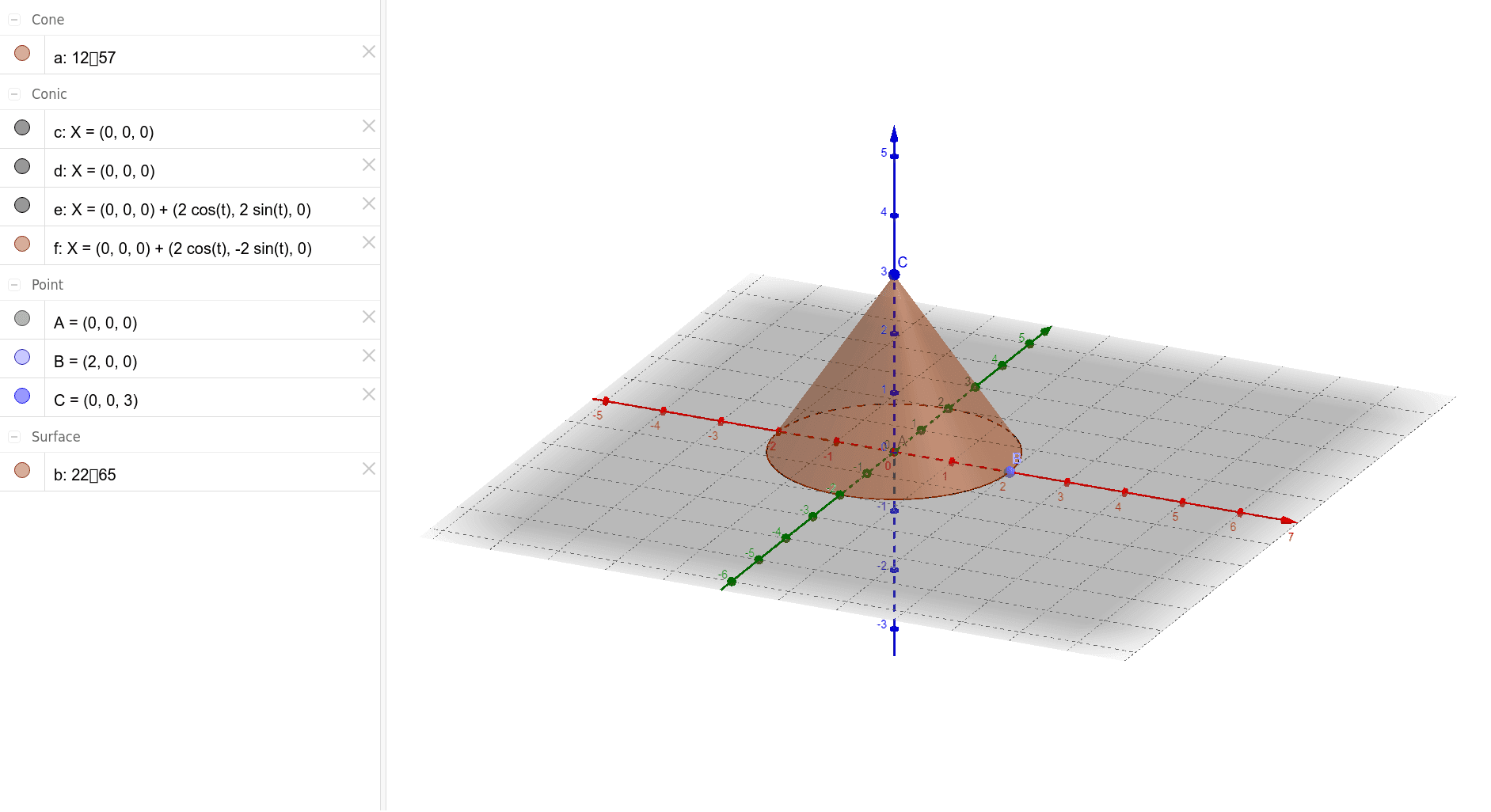
This example demonstrates the construction of a right cone. Key mathematical concepts include circles, right triangles, and solid geometry. Using GeoGebra commands such as Intersect, Point, Circle, and Cone, the base circle and side of the right cone can be constructed. Suitable for high school geometry and solid geometry courses.
GeoGebra Commands & Parameters
Intersect(yAxis, xAxis) → APoint(xAxis) → BCircle(xAxis, A) → cCircle(xAxis, B) → dCircle(zAxis, B) → eCone(A, C, 2) → a, f, b
AI Drawing Prompt Reference
Draw a right cone in 3D space. Start by marking the origin where the coordinate axes intersect as the apex. Choose a point on the horizontal axis as the center of the base. Construct a circle in the horizontal plane centered at that base point to represent the base. Also draw a circle centered at the apex and another circle in the vertical plane to help define the cone's side. Finally, connect the apex to points on the base circle to form the conical surface, showing both the base circle and the lateral surface.
The prompt above was compiled from the original drawing commands and is for reference only.