
Rectangle and Parallelogram: Finding the Missing Point
Loading the math board and drawing, please wait…
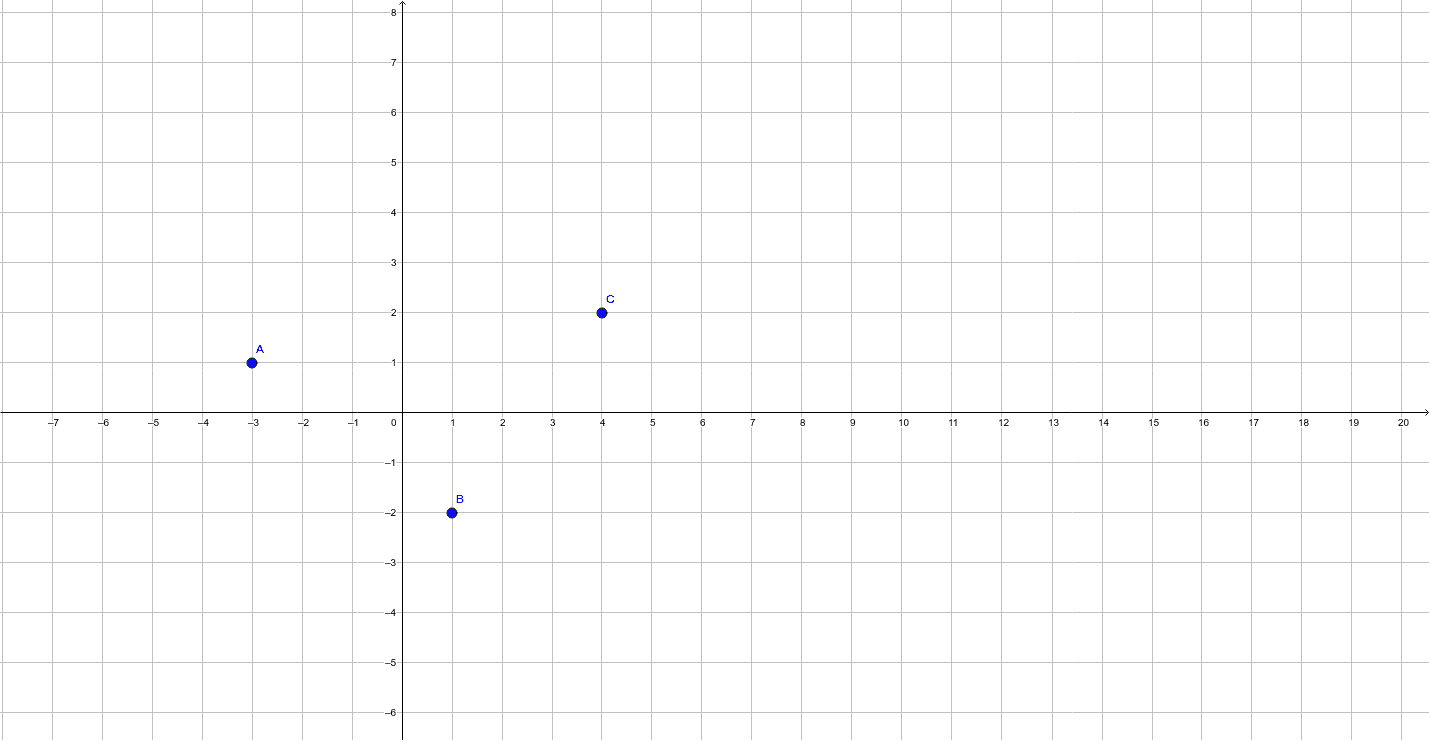
This GeoGebra example demonstrates how to determine a fourth point given three points to form a rectangle or a non-rectangular parallelogram. It focuses on the core geometric concepts of parallelogram properties (opposite sides parallel and equal) and rectangle characteristics (right angles or equal diagonals). The construction uses Point and Polygon commands to create points A, B, C, D, E and polygon poly1, with segments a, d, c, b representing side lengths. By dragging points, students can explore how the shape changes and verify conditions for each quadrilateral. Suitable for middle school geometry lessons, this interactive tool helps learners distinguish between rectangles and general parallelograms and reinforces coordinate-based reasoning.
GeoGebra Commands & Parameters
Point(yAxis) → DPolygon(A, D, C, B) → poly1, a, d, c, b
AI Drawing Prompt Reference
On a coordinate plane, place one point on the y-axis as a vertex of a quadrilateral. Then determine three other points such that connecting them in order forms a closed four-sided figure. This figure can be either a rectangle or a general parallelogram, depending on the positions of the points. Draw line segments connecting consecutive vertices to outline the shape, and display the lengths of the sides. By dragging the vertices, observe how the shape changes and verify properties such as opposite sides being parallel and equal, or diagonals being equal for a rectangle.
The prompt above was compiled from the original drawing commands and is for reference only.