
Quadratics 4: Edit the Function to Match a Constrained Point's Locus
Loading the math board and drawing, please wait…
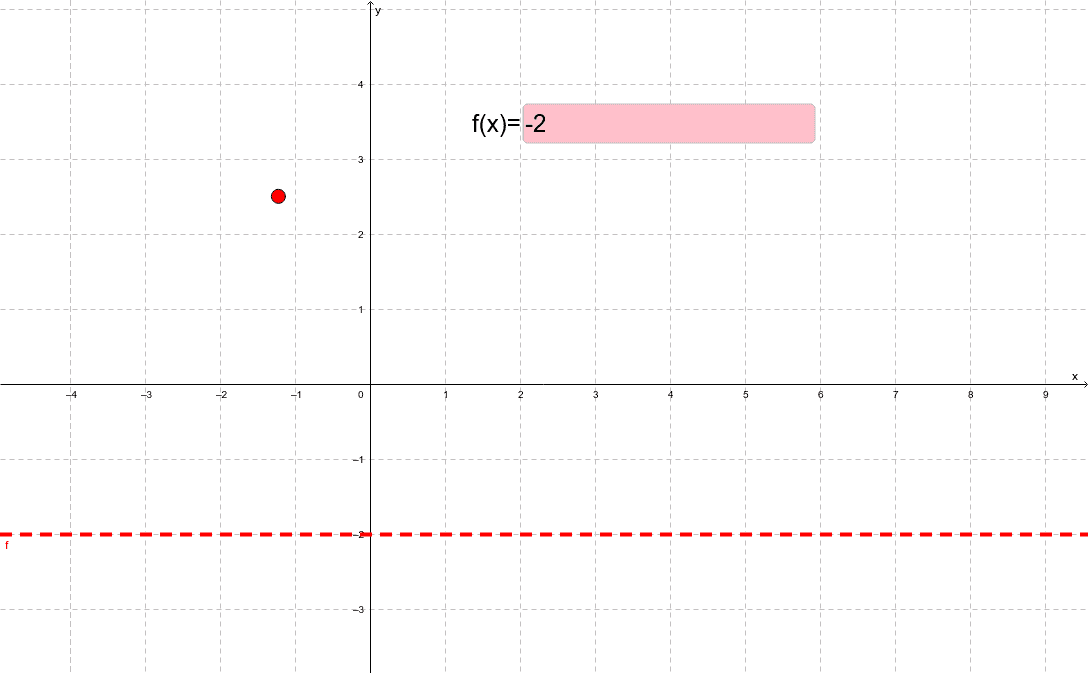
① This interactive example presents a task where students must edit the algebraic expression of a quadratic function so that its graph passes through a constrained moving point, demonstrating the relationship between function equations and their graphs. ② Core mathematical concepts include quadratic functions, function graphs, locus, constraints, and dynamic matching between algebraic expressions and geometric objects. ③ Construction details: using GeoGebra commands Point (to create constrained point A), Textfield (inputBox1), and objects c (likely a curve or constraint), f (the function), and the input box linked to the function; students edit the expression in the input box to see the graph update in real time until it matches the required locus. ④ Suitable for upper middle school or lower high school students, for exploring quadratic graph properties, function transformations, and dynamic geometry, as well as for classroom interactive exercises or formative assessment.
GeoGebra Commands & Parameters
Point(c) → ATextfield(f) → inputBox1
AI Drawing Prompt Reference
Draw a coordinate plane with a fixed constraint curve and a dynamic point that moves along this curve. Also show the graph of a quadratic function, which is controlled by an editable input box, so that its expression updates in real time. The task is to modify the function expression in the input box so that the quadratic graph passes exactly through the moving point, thereby demonstrating the relationship between the function equation and its graphical locus. The figure should include coordinate axes, grid, constraint curve, dynamic point, quadratic curve, and input box, arranged clearly for interactive use.
The prompt above was compiled from the original drawing commands and is for reference only.