
Pyramid Calculator
Loading the math board and drawing, please wait…
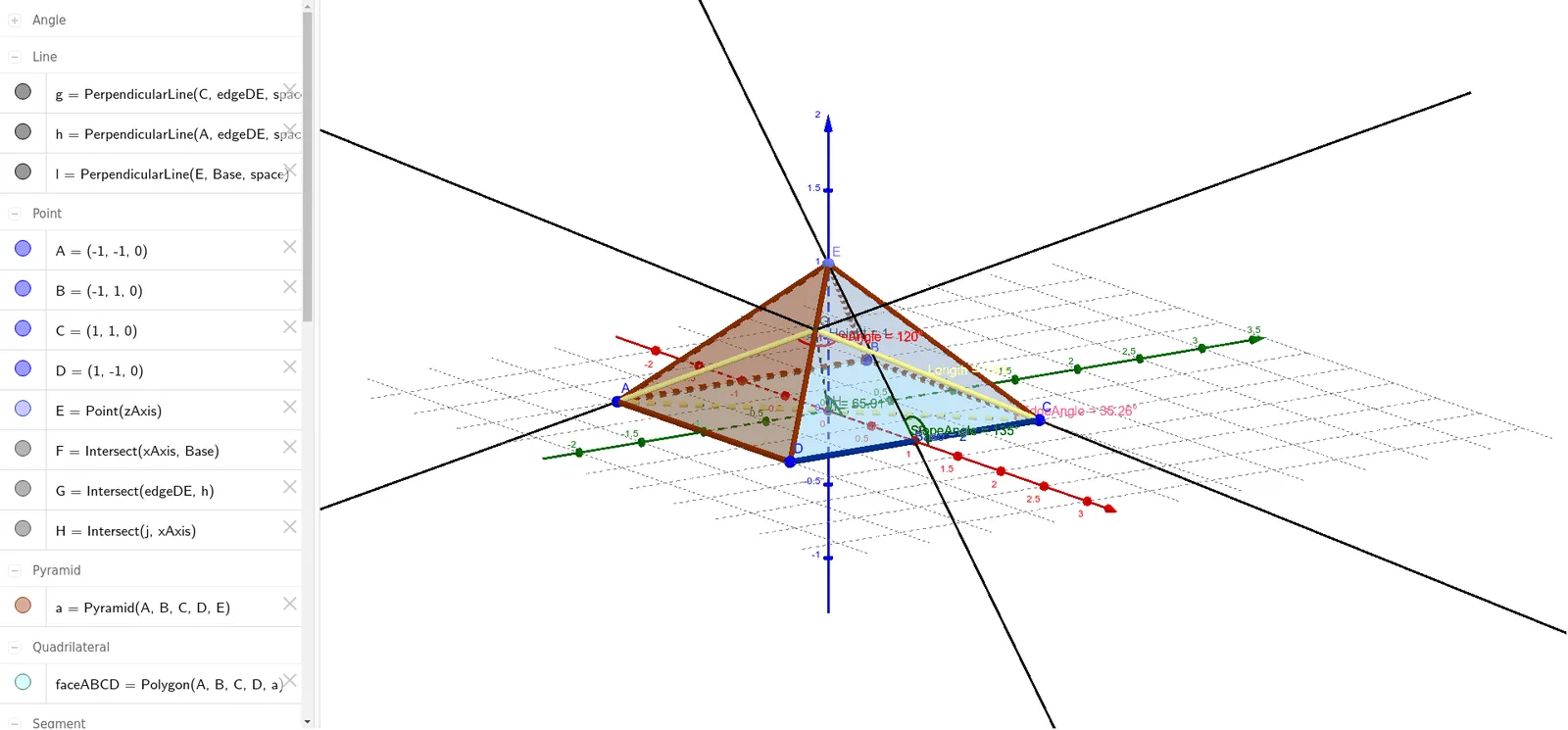
This example demonstrates the geometric construction and property calculation of a pyramid, involving core concepts like solid geometry, polygons, angle measurement, and matrix operations. It utilizes GeoGebra commands such as Point, Pyramid, Intersect, OrthogonalLine, Segment, Polygon, and Angle for construction and measurement. Suitable for high school students and math enthusiasts for learning and practice in solid geometry.
GeoGebra Commands & Parameters
Point(zAxis) → EPyramid(A, B, C, D, E) → a, faceABCD, edgeAE, edgeBE, edgeCE, edgeDE, faceABE, faceBCE, faceCDE, faceADE, edgeAB, edgeBC, Base, edgeADIntersect(xAxis, Base) → FOrthogonalLine(C, edgeDE, space) → gOrthogonalLine(A, edgeDE, space) → hIntersect(edgeDE, h) → GSegment(G, C) → fSegment(G, A) → iSegment(A, C) → jIntersect(j, xAxis) → HSegment(E, H) → HeightPolygon(A, G, C) → poly1, c, Length, g_1Angle(A, G, C) → FaceAngleOrthogonalLine(E, Base, space) → lSegment(H, F) → mAngle(m, l) → SlopeAngleSegment(G, H) → nAngle(G, H, F) → ηAngle(E, C, A) → EdgeAngle
AI Drawing Prompt Reference
Draw a pyramid with a square base ABCD and vertex E. Start by defining the four vertices A, B, C, and D for the base, then add vertex E. Draw the base ABCD, connect E to each vertex of the base to form the pyramid's edges. Measure the side lengths and angles of the base ABCD, calculate the height of the pyramid, and finally draw triangle AGC and measure its angles.
The prompt above was compiled from the original drawing commands and is for reference only.