
Probability of Obtuse Triangle in a Square
Loading the math board and drawing, please wait…
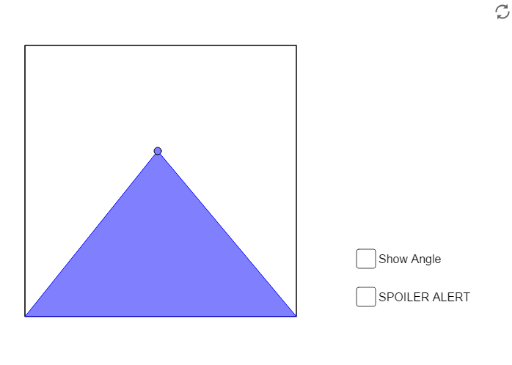
This GeoGebra example dynamically simulates selecting three random points inside a square and calculates the probability that the resulting triangle is obtuse. It demonstrates geometric probability, triangle angle classification (acute, right, obtuse), and rational number ratios. The construction uses commands such as Intersect, Point, Polygon, Segment, OrthogonalLine, Circle, PointIn, and Angle to build the square, generate random points, and measure angles. By repeating trials, the tool outputs the empirical probability as a percentage. Suitable for high school or college students exploring geometric probability, random simulation, and statistical reasoning, this interactive model provides hands-on insight into how shape distributions behave in a bounded region.
GeoGebra Commands & Parameters
Intersect(xAxis, yAxis) → APoint(xAxis) → BPolygon(A, B, 4) → poly1, f, g, h, i, C, DSegment(C, A) → jSegment(B, D) → kIntersect(j, k) → EOrthogonalLine(E, f) → lIntersect(l, f) → FCircle(F, E) → cPointIn(poly1) → GIntersect(f, i) → HIntersect(f, g) → IPolygon(H, G, I) → poly2, i_1, h_1, g_1Angle(A, G, B) → α
AI Drawing Prompt Reference
Draw a square and randomly select three points within it to form a triangle. Measure the angles of this triangle; if one angle is greater than 90 degrees, it is an obtuse triangle. Repeat this process multiple times to estimate the probability of obtaining an obtuse triangle.
The prompt above was compiled from the original drawing commands and is for reference only.