
Positioning Fractions on the Number Line by Cristina Masotta
Loading the math board and drawing, please wait…
In collections
Primary School Mathematics Collection
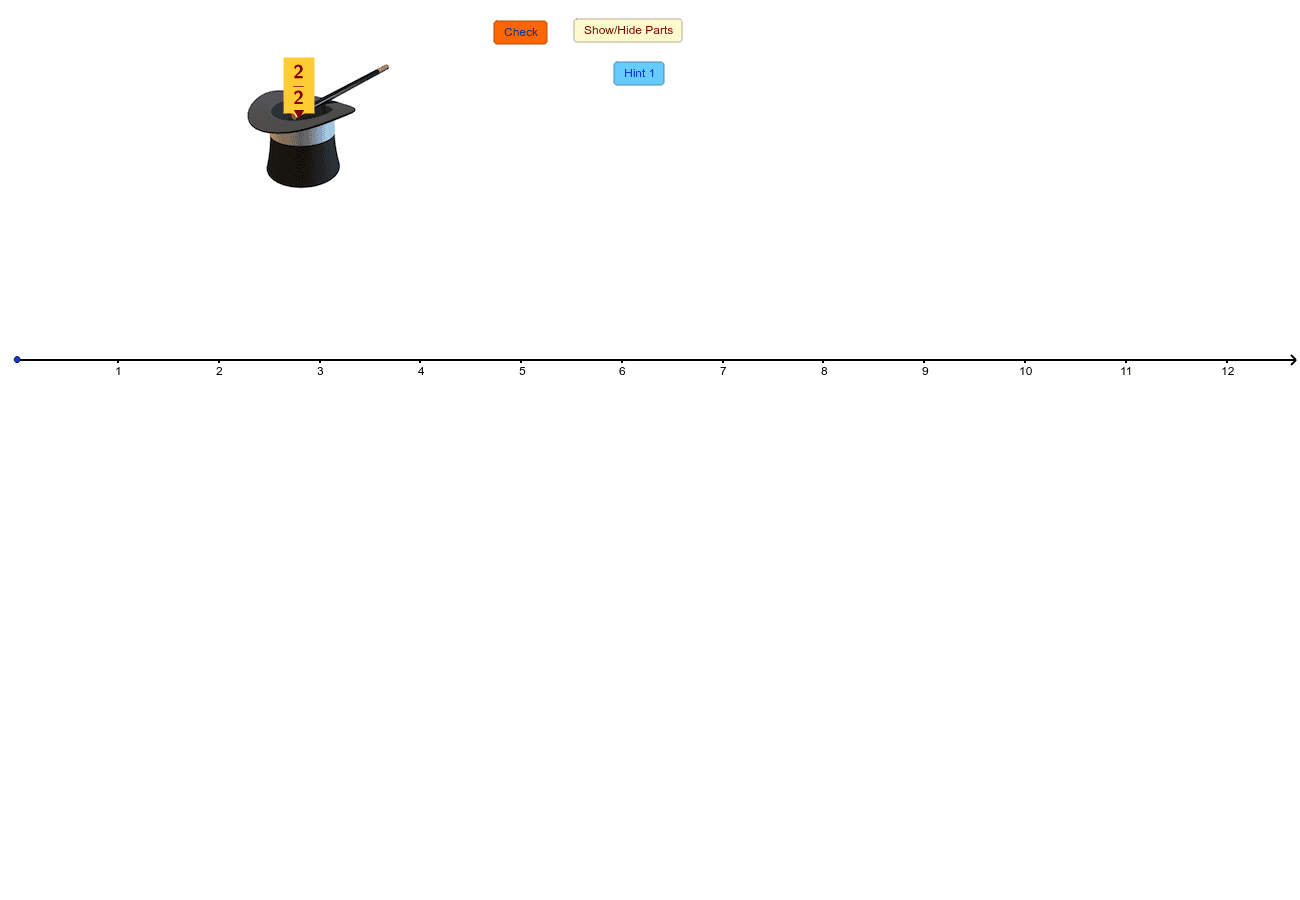
This example demonstrates how to accurately place fractions on a number line. Key math concepts include number line representation, fraction notation, and absolute value operations. Construction highlights the use of GeoGebra commands like Vector, Random, Mod, If, Polygon, Sequence, Zip, Append, Element, Segment, Corner, and Midpoint. Suitable for middle school and above, helping learners understand the relationship between fractions and number lines, enhancing geometric thinking skills.
GeoGebra Commands & Parameters
Vector((0, 0), (1, 0)) → uRandom(1, 6) → dRandom(1, 6) → nMod(n, d) → remainderIf(remainder ≟ 0, whole, whole + 1) → endNumberPolygon(A, B, 4) → poly1, a, b, c, e, C, DSequence(B + i * u, i, 0, whole) → SecondLowSequence(A + i * u, i, 0, whole) → FirstLowZip(Polygon[X, Y, 4], X, FirstLow, Y, SecondLow) → list1Sequence(Point[A, Vector[i * u / d]], i, 1, n) → PtBottomSequence(Point[D, Vector[i * u / d]], i, 1, n) → PtTopAppend(D, Take[PtTop, 1, n - 1]) → PtTop1Append(A, Take[PtBottom, 1, n - 1]) → PtBottom1Zip(Polygon[E, F, G, H], E, PtBottom1, F, PtBottom, G, PtTop, H, PtTop1) → list2Polygon(C, B, 4) → poly2, f, g, h, i, E, FPolygon(F, E, 4) → poly3, j, k, l, m, G, HPolygon(H, G, 4) → poly4, p, q, r, s, I, JPolygon(J, I, 4) → poly5, t, a_1, b_1, c_1, K, LPolygon(L, K, 4) → poly6, d_1, e_1, f_1, g_1, M, NSequence(Point[OO, Vector[i * u / d]], i, 1, 10 * d) → list3Element(list3, n) → ZZip(Segment[M, N], M, list3, N, PtBottom) → list4Segment(A, OO) → h_1Sequence(Point[D, Vector[i * u / d]], i, 1, d * endNumber) → allTopSequence(Point[A, Vector[i * u / d]], i, 1, d * endNumber) → allBottZip(Segment[M, N], M, allTop, N, allBott) → list5Corner(text3, 2) → BBCorner(text3, 3) → CCCorner(text3, 4) → DDCorner(text3, 1) → AAPolygon(AA, BB, CC, DD) → frame, aa, bb, cc, ddMidpoint(AA, BB) → MM
AI Drawing Prompt Reference
Draw a horizontal number line with integer markers from 0 to a random whole number, and indicate fraction positions between these markers with different colors. Use multiple quadrilaterals and lines to form the scale of the number line, and label key points with text boxes to show the relationship between fractions and the number line.
The prompt above was compiled from the original drawing commands and is for reference only.