
Optimizing the Volume of a Box
Loading the math board and drawing, please wait…
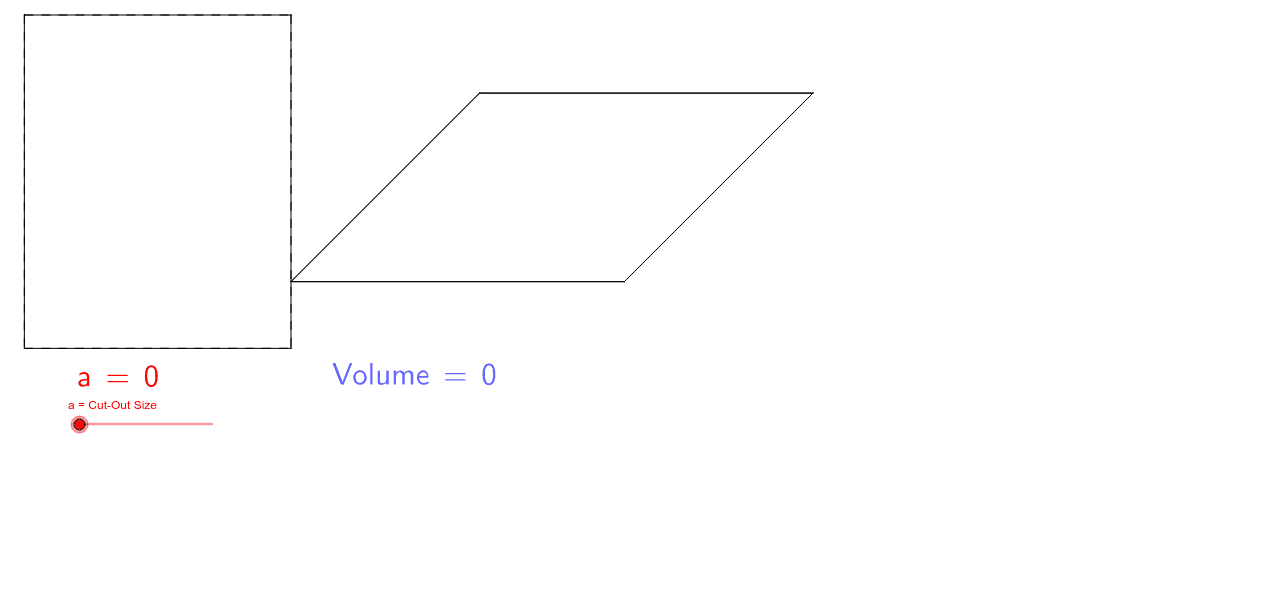
This example demonstrates how to optimize the volume of a box by adjusting its height and base lengths. Core math concepts include functions, derivatives from calculus, and optimization. Constructed using commands like Segment and LaTeX, involving objects such as a, B, C, D, A, b, d, E, F, G, H, c, e, I, J, K, L, f, g, h, i, j, k, l, m, n, p, q, r, text1, N, M, P, O, s, t, a_1, b_1, Q, c_1. Suitable for high school students learning function applications, introductory calculus, and real-world optimization problems.
GeoGebra Commands & Parameters
Segment(B, C) → bSegment(D, A) → dSegment(G, H) → cSegment(F, E) → eSegment(J, F) → fSegment(J, B) → gSegment(K, C) → hSegment(K, G) → iSegment(H, L) → jSegment(L, D) → kSegment(A, I) → lSegment(I, E) → mSegment(J, I) → nSegment(K, J) → pSegment(K, L) → qSegment(L, I) → rLaTeX(a, true, true) → text1Segment(M, O) → sSegment(O, P) → tSegment(P, N) → a_1Segment(N, M) → b_1Segment(Q, N) → c_1Segment(R, Q) → d_1Segment(R, P) → e_1Segment(S, M) → f_1Segment(S, Q) → g_1Segment(T, S) → h_1Segment(O, T) → i_1Segment(T, R) → j_1LaTeX(Volume, true, true) → text2
AI Drawing Prompt Reference
Draw a net of a box for volume optimization. Start with a rectangular base, then add four vertical side panels to form a 3D box shape. Include a height segment and label the volume formula. Beside or below, add a 2D coordinate plot with a curve and marked points showing how volume changes with height. Keep the layout clear, combining geometric construction and function graph to emphasize optimization.
The prompt above was compiled from the original drawing commands and is for reference only.