
Number Line with Definite Integral and Arithmetic Operations
Loading the math board and drawing, please wait…
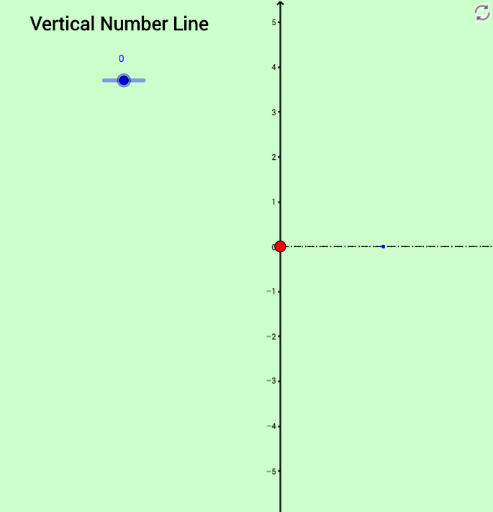
This GeoGebra example constructs an interactive number line to visually demonstrate definite integrals, vectors, segments, and arithmetic operations. The core mathematical concepts include points and vectors on a number line, the geometric interpretation of definite integrals as areas, and arithmetic operations controlled by sliders or inputs. The construction uses GeoGebra commands such as Vector, Segment, and Point, creating objects like int1, int2 (possibly integral intervals or values), separator, u, v, w (vectors), a, b, d, e, f (numbers or points), A, B, C, D, E, F (points), and numerous text objects (text1 to text21) for displaying values and hints. This example is suitable for high school or early college students learning calculus, helping them connect definite integrals with number lines, vectors, and arithmetic operations. It can serve as a classroom demonstration or a self-study tool.
GeoGebra Commands & Parameters
Vector((separator, 0), (separator, int1)) → uSegment((0, 0), ((3 * separator), 0)) → bVector(((2 * separator), int1), ((2 * separator), int1 - int2)) → vVector(((3 * separator), 0), ((3 * separator), int1 - int2)) → wSegment((0, int1 - int2), ((3 * separator), int1 - int2)) → aPoint(xAxis) → DVector((0, separator), (d, separator)) → eSegment(C, E) → fPoint(e) → GSegment(F, G) → g
AI Drawing Prompt Reference
Draw a number line with two marked points. Show a vector pointing from a separator to the first point and a line segment from the origin to the separator. Then, create two vectors starting from the second point, one pointing upwards and the other downwards, connecting them to the number line. Add some helper line segments and points to illustrate the geometric relationships between vectors and segments, and label the values of key points.
The prompt above was compiled from the original drawing commands and is for reference only.