
Novel Triangle Area Method
Loading the math board and drawing, please wait…
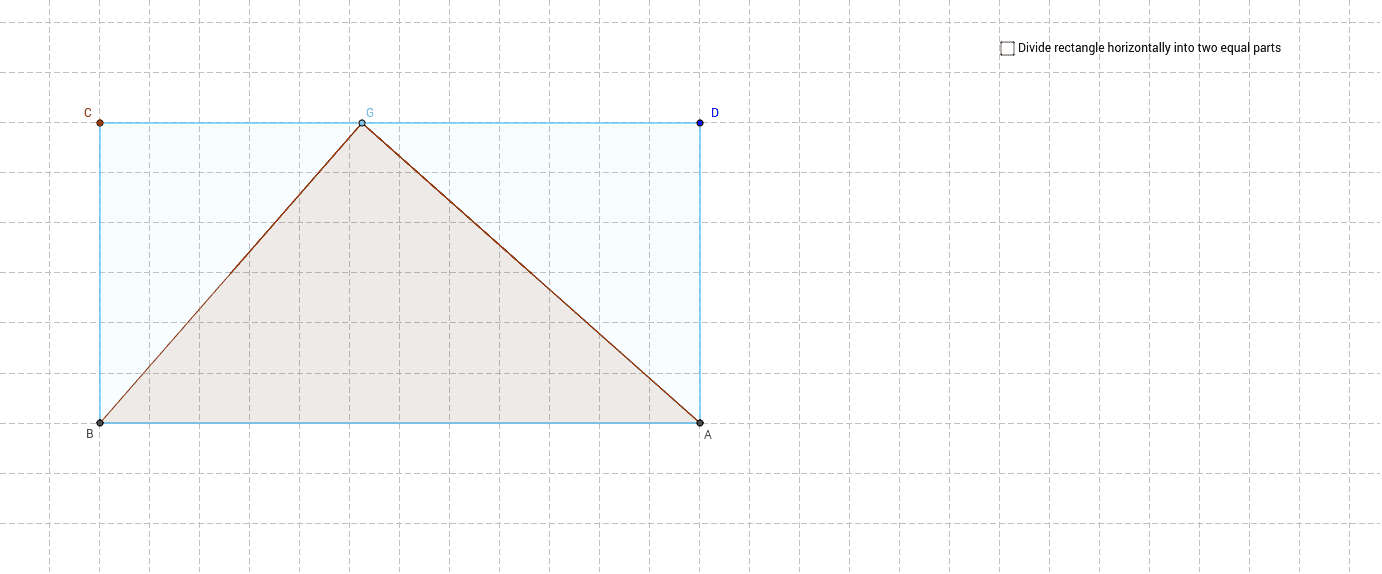
This example demonstrates a novel approach to calculating the area of a triangle. It involves core mathematical concepts such as area, planes, angles, and geometric mean. The construction utilizes GeoGebra commands and objects like Line, Point, OrthogonalLine, Intersect, Segment, Polygon, Midpoint, Circle, Angle, and Rotate. Suitable for high school and above mathematics learners to explore and validate different geometric methods.
GeoGebra Commands & Parameters
Line(A_1, B_1) → aPoint(a) → COrthogonalLine(C, a) → bPoint(b) → DOrthogonalLine(D, b) → cIntersect(a, xAxis) → BIntersect(c, xAxis) → ASegment(C, D) → dPoint(d) → GPolygon(B, G, A) → poly1, f, e, gMidpoint(C, B) → HMidpoint(D, A) → ISegment(H, I) → hIntersect(f, h) → JIntersect(e, h) → NOrthogonalLine(G, d) → iIntersect(i, h) → LSegment(G, L) → jPolygon(J, G, L) → poly2, l, j_1, g_1Polygon(L, G, N) → poly3, k, l_1, g_2Segment(G, A) → mPolygon(B, J, N, A) → poly4, e_1, j_2, k_1, f_1Circle(M_1, 1) → pPoint(p) → N_1Segment(M_1, N_1) → nPoint(p) → OSegment(M_1, O) → qAngle(N_1, M_1, O) → γRotate(J, γ, J) → MRotate(G, γ, J) → G'_2Rotate(L, γ, J) → L'_2Polygon(M, G'_2, L'_2) → poly2'_1, l'_2, j'_1, g'_2Circle(P, 1) → rPoint(r) → QPoint(r) → RAngle(R, P, Q) → δSegment(Q, P) → sSegment(P, R) → tRotate(N, δ, N) → K'Rotate(L, -δ, N) → L'_1Rotate(G, -δ, N) → G'_1Rotate(N, -δ, N) → K'_1Polygon(L'_1, G'_1, K'_1) → poly3'_1, k'_1, l'_1, g'_1Polygon(J, G, L) → poly5, l_2, j_3, g_3Polygon(G, L, N) → poly6, k_2, g_4, l_3Polygon(B, C, D, A) → poly7, e_2, c_1, d_1, f_2Point(j) → SPoint(h) → TPolygon(S, L, 4) → poly8, a_1, b_1, h_1, i_1, U, VPoint(h) → KPolygon(G, K, M) → poly9, m_1, g_5, k_3Point(h) → ZPolygon(G, Z, N) → poly10, n_1, g_6, z
AI Drawing Prompt Reference
Draw a triangle and demonstrate a novel method for calculating its area. Start by constructing a line segment and find its midpoint to create perpendicular lines. Use the intersections to form new segments and polygons, including rotations and geometric mean-related shapes. Finally, display a complex geometric structure composed of multiple polygons, highlighting the relationships between area, angles, and geometric means.
The prompt above was compiled from the original drawing commands and is for reference only.