
Mr. Roboto 4: Exploring Functions with Incircle Geometry
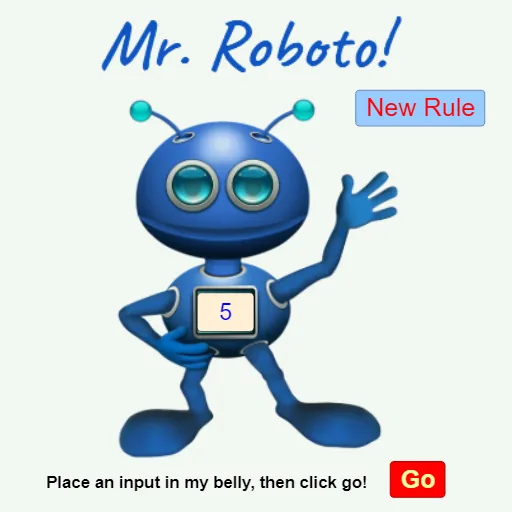
Loading the math board and drawing, please wait…
This example uses interactive controls and randomized constructions to visually link function relationships to measurable geometric features (including configurations related to an incircle/inscribed circle). It demonstrates how you can “find and verify my function” by observing how geometric quantities change under parameter variation. Key math concepts include exponential functions, linear functions, and quadratic functions, together with circle geometry and incircle (inscribed circle) relationships for right-triangle style configurations. It also connects the visualization to calculus via integral ideas (e.g., cumulative quantities/areas) and supports interpreting changes using percentage-style comparisons. Construction-wise, it relies on GeoGebra commands such as Textfield and Input for parameter entry, Random to generate varied points/parameters, Circle to create circular objects, and Point to place key geometric vertices. Text elements (e.g., text1, text3) and buttons (button1, button2) orchestrate the “Find My Function” workflow, while objects like g, i, A, B, C, D, E, F, H, I, J, k, p support the dynamic geometry and the computed visual readouts. Suitable for upper-secondary through introductory university learners, for function modeling, circle-and-triangle geometry, and intuitive calculus connections.
GeoGebra Commands & Parameters
Textfield(i) → InputCircle(H, I) → cPoint(c) → JRandom(-5, 5) → kRandom(2, 6) → p
AI Drawing Prompt Reference
Draw a circle with a randomly generated point on it, located between two fixed points. Display a linear, exponential, or quadratic function graph that changes with interactive controls. Visually link function relationships to measurable geometric features involving incircles, calculate integral areas to connect calculus concepts, and use text fields for parameter input, buttons to trigger calculations, showing how geometric quantities vary with parameter changes.
The prompt above was compiled from the original drawing commands and is for reference only.