
Minimize Surface Area
Loading the math board and drawing, please wait…
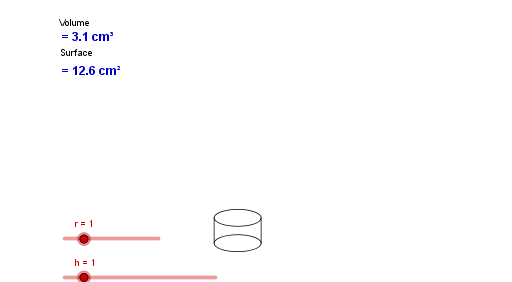
This example demonstrates how to minimize the surface area of a geometric shape by adjusting its dimensions. Key mathematical concepts include geometric transformations and optimization. Using GeoGebra commands such as Point, Segment, Ellipse, Line, and Intersect, the shape can be dynamically adjusted. Suitable for high school geometry and optimization lessons.
GeoGebra Commands & Parameters
Point(Circle[A, (r * 2)]) → BSegment(A, B) → aEllipse(A, B, C) → cPoint(Circle[D, (r * 2)]) → EEllipse(D, E, F) → dSegment(A, D) → bSegment(B, E) → ePoint(b) → GPoint(e) → HLine(G, H) → fPoint(b) → IPoint(e) → JLine(I, J) → gIntersect(c, f) → K, LIntersect(d, g) → M, NSegment(L, N) → iSegment(K, M) → j
AI Drawing Prompt Reference
Draw a geometric figure with two ellipses and several line segments. Place two ellipses horizontally, each defined by two foci and a point on the curve, connected by a horizontal segment. From points on this segment, draw two lines that pass through both ellipses. Then, find the intersection points of each line with the corresponding ellipse, and connect the opposite intersection points on the two ellipses with two crossing segments. The overall shape is symmetric and suitable for exploring surface area minimization.
The prompt above was compiled from the original drawing commands and is for reference only.