
Method 1 for Drawing Parabolas, Ellipses, and Circles
Loading the math board and drawing, please wait…
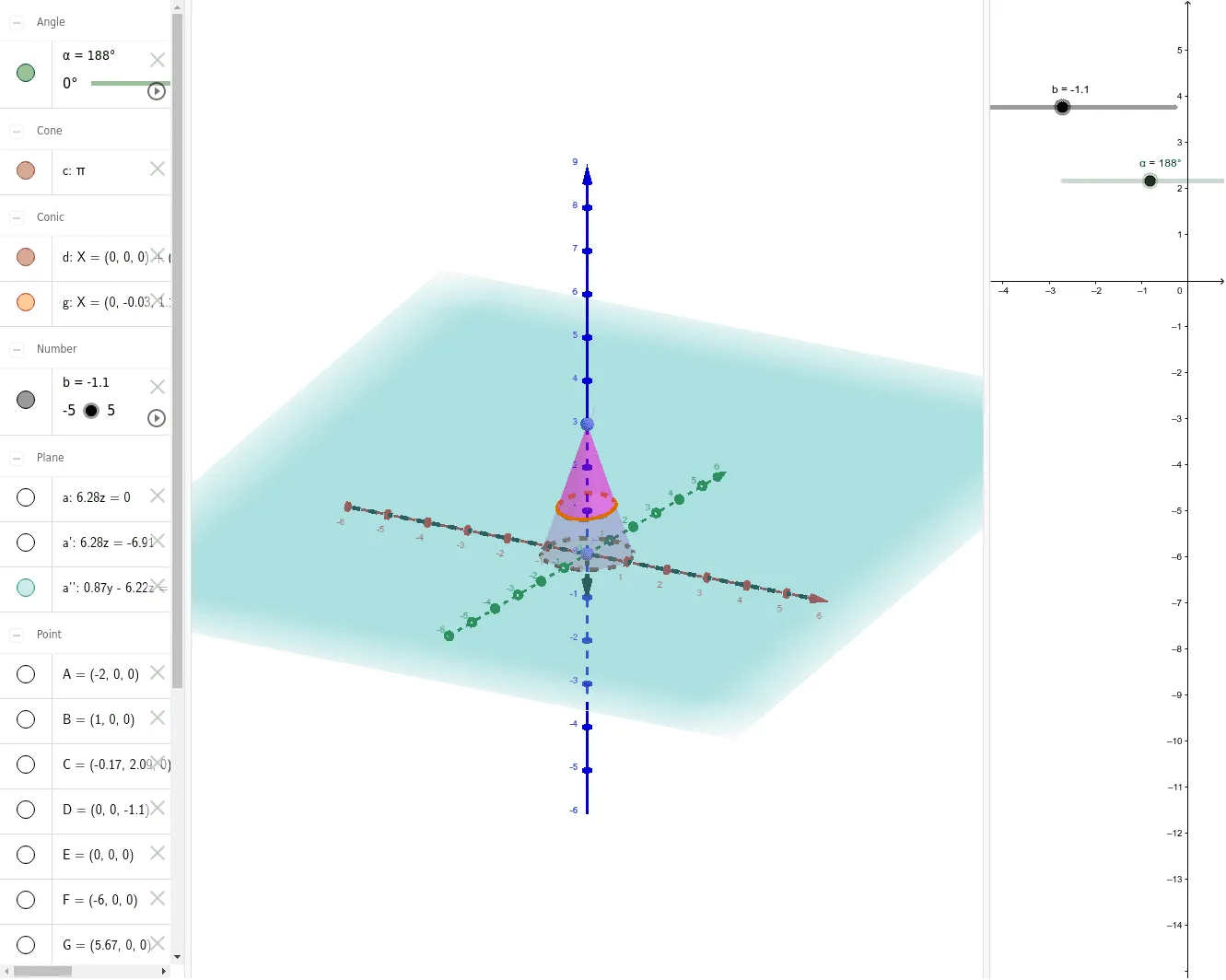
This example demonstrates the geometric construction methods for parabolas, ellipses, and circles. Key mathematical concepts include quadratic equations and circle properties. Using GeoGebra commands such as Point, Plane, Intersect, etc., these shapes can be constructed. Suitable for junior high school students learning coordinate geometry.
GeoGebra Commands & Parameters
Point(xAxis) → APoint(xAxis) → BPlane(A, B, C) → aIntersect(yAxis, zAxis) → EVector(E, D) → uTranslate(a, u) → a'Point(xAxis) → FPoint(xAxis) → GSegment(F, G) → fRotate(a', α, f) → a''Point(yAxis) → HPoint(zAxis) → ICone(H, I, 1) → c, d, eIntersectPath(a'', c) → gCorner(g)
AI Drawing Prompt Reference
In a 3D coordinate system, start by placing two points on the x-axis and defining a plane through them. Then, take a point at the intersection of the y-axis and z-axis, create a vector from this point to another reference point, and translate the plane along this vector. Next, place two more points on the x-axis, connect them with a segment, and rotate the translated plane around this segment by a certain angle. After that, place one point on the y-axis and one on the z-axis, and use these two points as vertices to construct a cone. Finally, find the intersection curve between the rotated plane and the cone, and mark the corners of this curve, thereby producing the geometric construction of a parabola, ellipse, or circle.
The prompt above was compiled from the original drawing commands and is for reference only.