
McDonald's Parabola: Modeling the Golden Arches
Loading the math board and drawing, please wait…
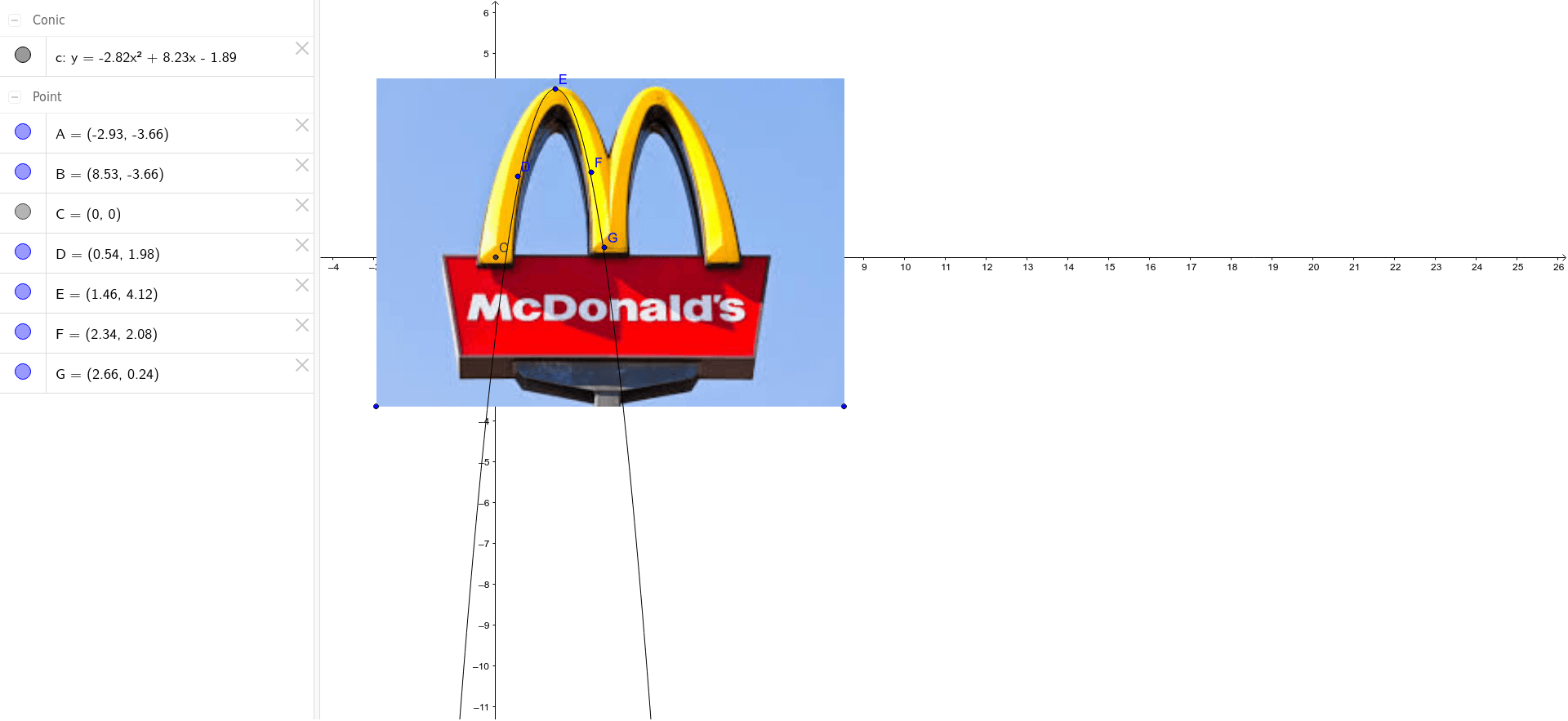
This GeoGebra example constructs a parabola that resembles the iconic McDonald's 'Golden Arches' logo, demonstrating how quadratic functions can model real-world shapes. The core mathematical concepts include parabolas (quadratic functions), geometric transformations (dilation/scale), quadrilaterals, and division, along with intersections between an imported image (pic1) and geometric objects. The construction uses the Intersect command to find points where the curve and auxiliary lines/polygons meet, with points A, B, C, D, E, F, G and curve c defining the arch outline, likely applying dilation to adjust proportions. This example is suitable for middle and high school students learning about quadratic graphs, geometric construction, and image fitting, and can be used in cross-disciplinary projects (math and design) to spark interest in function graphing.
GeoGebra Commands & Parameters
Intersect(xAxis, yAxis) → C
AI Drawing Prompt Reference
Draw the McDonald's Golden Arches using a parabola, start by marking the intersection of the x-axis and y-axis as point C, then construct the parabola c by adjusting the scale to resemble the arches, and finally use the intersect command to find the points where the curve meets the auxiliary lines to form the arch outline.
The prompt above was compiled from the original drawing commands and is for reference only.