
Lateral Surface Unfolding of a Regular Frustum
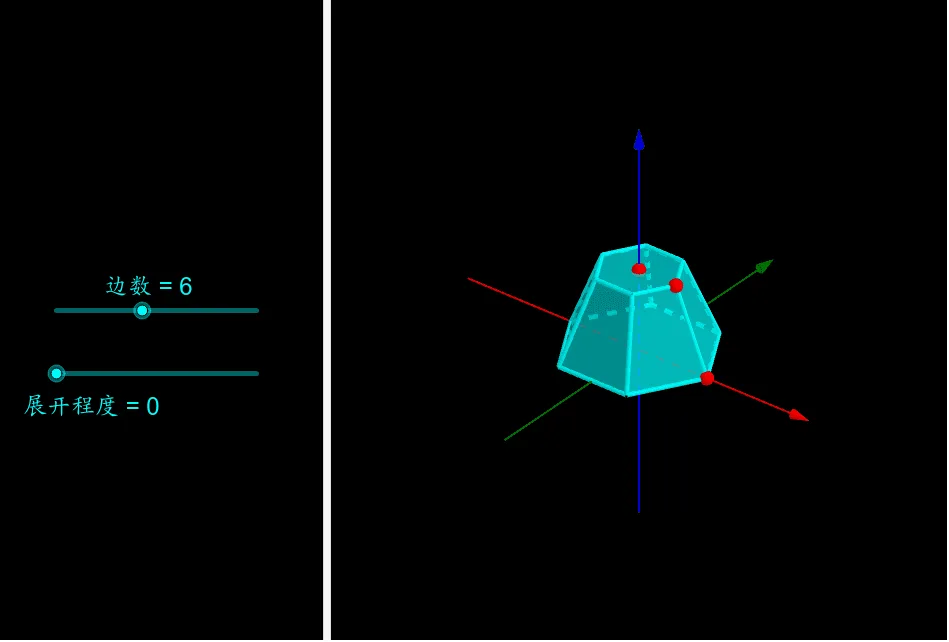
This GeoGebra applet dynamically demonstrates the geometric process of unfolding the lateral surface of a regular frustum. Using commands such as Rotate, Polygon, and Sequence, it sequentially unfolds each lateral face onto a single plane, visually illustrating the transformation from a three-dimensional solid to a two-dimensional net. The applet employs dynamic rotation and polygon construction techniques to show how each trapezoidal lateral face of the frustum lays flat while maintaining its true dimensions and angular relationships. Students can interact with the model by adjusting parameters such as the number of sides of the frustum, the base edge lengths, and the slant height, observing in real time how these changes affect the unfolded pattern. The sequential unfolding animation clearly reveals how the lateral faces, which are congruent isosceles trapezoids in a regular frustum, arrange themselves around a common apex point in the planar net. This visualization helps students connect the lateral surface area formula, A = 1/2 * (P1 + P2) * l, where P1 and P2 are the perimeters of the top and bottom bases and l is the slant height, to the actual geometry of the unfolded shape. The applet serves as an excellent visual teaching tool for solid geometry, enabling learners to build spatial intuition by witnessing the direct correspondence between the three-dimensional structure and its two-dimensional representation. By manipulating the model, students can verify that the sum of the areas of the unfolded trapezoidal faces equals the lateral surface area of the frustum, reinforcing their understanding of surface area calculations and the underlying geometric principles of regular polyhedral figures.
Loading the math board and drawing, please wait…