
Kite Properties Demo by Katherine Hollywood
Loading the math board and drawing, please wait…
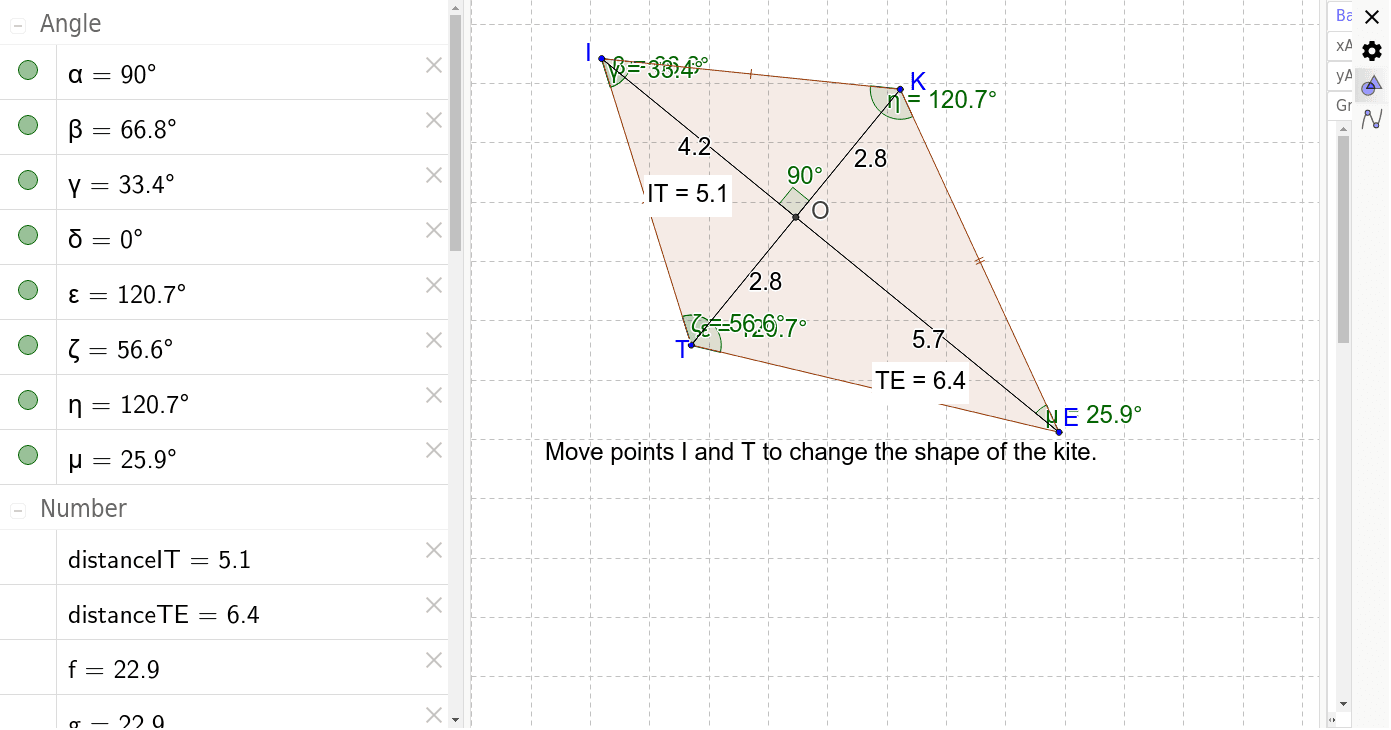
This example demonstrates the geometric properties and calculations of a kite, involving core math concepts like linear equations, equilateral triangles, spheres, exponential functions, and correlation. Construction highlights include commands like Segment, Mirror, Polygon, Intersect, Angle, Perimeter, PointIn, and Distance. Suitable for high school mathematics teaching and geometric construction practice.
GeoGebra Commands & Parameters
Segment(I, E) → BHMirror(T, BH) → KSegment(T, K) → RMPolygon(I, K, E, T) → poly1, a_1, c', b_1, cIntersect(RM, BH) → OSegment(I, O) → aSegment(K, O) → bSegment(O, T) → dSegment(O, E) → eAngle(K, O, I) → αAngle(T, I, K) → βAngle(T, I, E) → γAngle(E, I, O) → δAngle(E, T, I) → εAngle(K, T, I) → ζPerimeter(poly1) → perimeterpoly1PointIn(poly1) → Pointpoly1_1Distance(T, E) → distanceTEPerimeter(poly1) → fPointIn(poly1) → Pointpoly1_2Perimeter(poly1) → gPointIn(poly1) → Pointpoly1Angle(I, K, E) → ηAngle(K, E, I) → μDistance(I, T) → distanceIT
AI Drawing Prompt Reference
Draw a kite ABCD with points A, B, C, and D as vertices. Use the segment tool to connect the diagonals AC and BD, which intersect at point O. Reflect point B over the perpendicular bisector of AC to get point K, then connect K and D. Use the polygon tool to draw quadrilateral ABKD and calculate its perimeter. Select a point on quadrilateral ABKD using the point in polygon tool. Measure the angles at A, B, C, and D, as well as the lengths of segments AB, AD, and BD.
The prompt above was compiled from the original drawing commands and is for reference only.