
Kite Geometric Construction by Tleclerc18
Loading the math board and drawing, please wait…
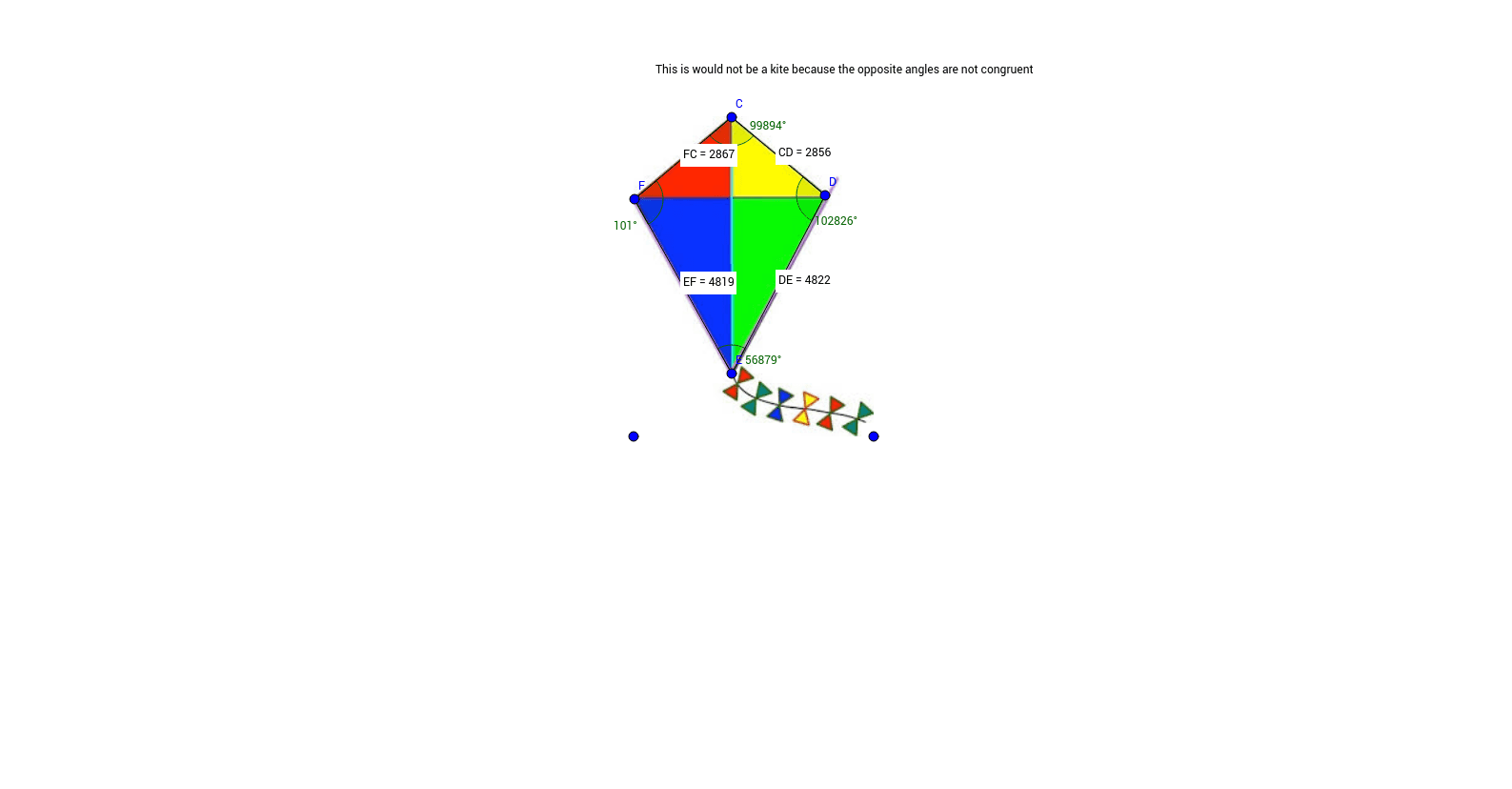
This example demonstrates how to construct a kite shape using GeoGebra commands, involving core mathematical concepts like polygons, angles, distances, midpoints, and coordinate geometry. Key construction steps include using Segment, Angle, Distance, and Midpoint commands. Suitable for high school mathematics teaching or geometric construction practice.
GeoGebra Commands & Parameters
Segment(C, D) → aSegment(D, E) → bSegment(E, F) → cSegment(F, C) → dAngle(F, C, D) → αAngle(C, D, E) → βAngle(D, E, F) → γAngle(E, F, C) → δDistance(F, C) → distanceFCMidpoint(F, C) →Distance(C, D) → distanceCDMidpoint(C, D) →Distance(D, E) → distanceDEMidpoint(D, E) →Distance(E, F) → distanceEFMidpoint(E, F) →
AI Drawing Prompt Reference
Draw a kite shape by connecting four segments where two pairs of opposite sides are equal and parallel. Label the angles between the segments and the distances between the vertices, and mark the midpoints of each segment. Start by drawing the diagonals, then determine the positions of the other vertices based on the intersection point and lengths of the diagonals, and finally connect all vertices to form the kite.
The prompt above was compiled from the original drawing commands and is for reference only.