
iPad Demo: Fraction Multiplication Visualization
Loading the math board and drawing, please wait…
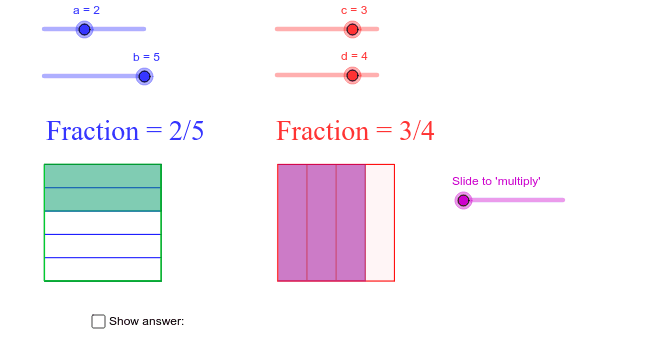
This example demonstrates the process of fraction multiplication, involving key mathematical concepts such as fractions and multiplication. Using GeoGebra commands like Polygon, Sequence, Intersect, etc., users can visually understand the geometric meaning of fraction multiplication. Suitable for high-grade elementary and junior high school students.
GeoGebra Commands & Parameters
Polygon(A, B, 4) → poly1, a_1, b_1, f, g, C, DPolygon(E, F, 4) → poly2, e_1, f_1, h, i, G, HSequence(A + i * (D - A), i, 0, 1, 1 / b) → L1Sequence(B + i * (C - B), i, 0, 1, 1 / b) → L2Sequence(Segment[Element[L1, k], Element[L2, k]], k, 2, b) → L3Polygon(D, C, S, R) → poly3, d_1, c_1, s, rSequence(E + i * (F - E), i, 0, 1, 1 / d) → L4Sequence(H + i * (G - H), i, 0, 1, 1 / d) → L5Sequence(Segment[Element[L4, j], Element[L5, j]], j, 2, d) → L6Intersect(g, a_1) → IIntersect(b_1, a_1) → JSegment(I, J) → jIntersect(i, e_1) → KIntersect(i, h) → LPolygon(K, T, U, L) → poly4, k, t, u, lIntersect(g, a_1) → MIntersect(b_1, a_1) → NSegment(M, N) → mIntersect(f, b_1) → OIntersect(g, f) → PSegment(O, P) → nSegment(P, M) → pSegment(N, O) → qSegment(O, P) → g_1