
Calculating Area of a Parallelogram by Tzun Fung
Loading the math board and drawing, please wait…
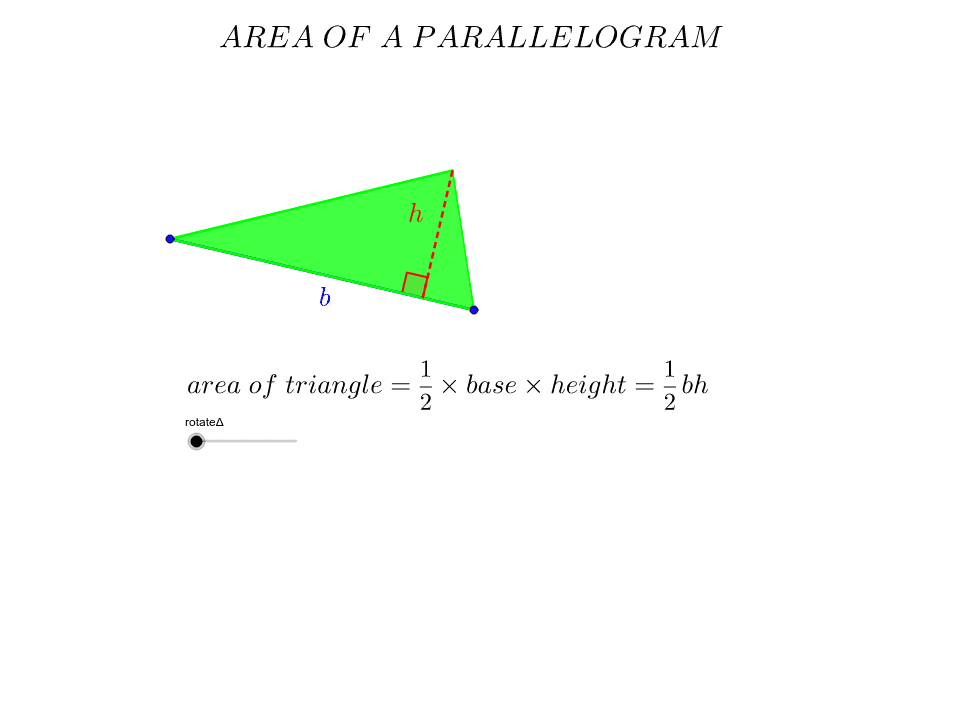
This example demonstrates how to calculate the area of a parallelogram by constructing it and dividing into triangles. Core math concepts include parallelogram properties, triangle area formula, and geometric transformations. GeoGebra commands used are Segment, Line, Point, Polygon, Midpoint, Rotate, OrthogonalLine, Intersect, highlighting key geometric elements through rotation and intersection. Suitable for middle school and above students to understand area calculation methods and geometric transformation applications.
GeoGebra Commands & Parameters
Segment(A, B) → a_2Line(C, a_2) → b_2Point(b_2) → DPolygon(A, D, B) → P, a, b, dMidpoint(D, B) → ERotate(A, (-rotateΔ), E) → A'Rotate(C, (-rotateΔ), E) → C'Rotate(D, (-rotateΔ), E) → D'Rotate(B, (-rotateΔ), E) → B'Polygon(A', D', B') → P', g, i, jLine(A, B) → eOrthogonalLine(D, e) → fIntersect(f, e) → FMidpoint(B', A') → GMidpoint(D', C') → HIf(rotateΔ ≥ 0°, H) → IIf(rotateΔ > 0°, H) → JIf(rotateΔ > 0°, G) → KSegment(D, F) → hAngle(D, F, A) → βMidpoint(h) → LMidpoint(a_2) → M