
Introduction to Derivatives by Lissette Gonzalez
Loading the math board and drawing, please wait…
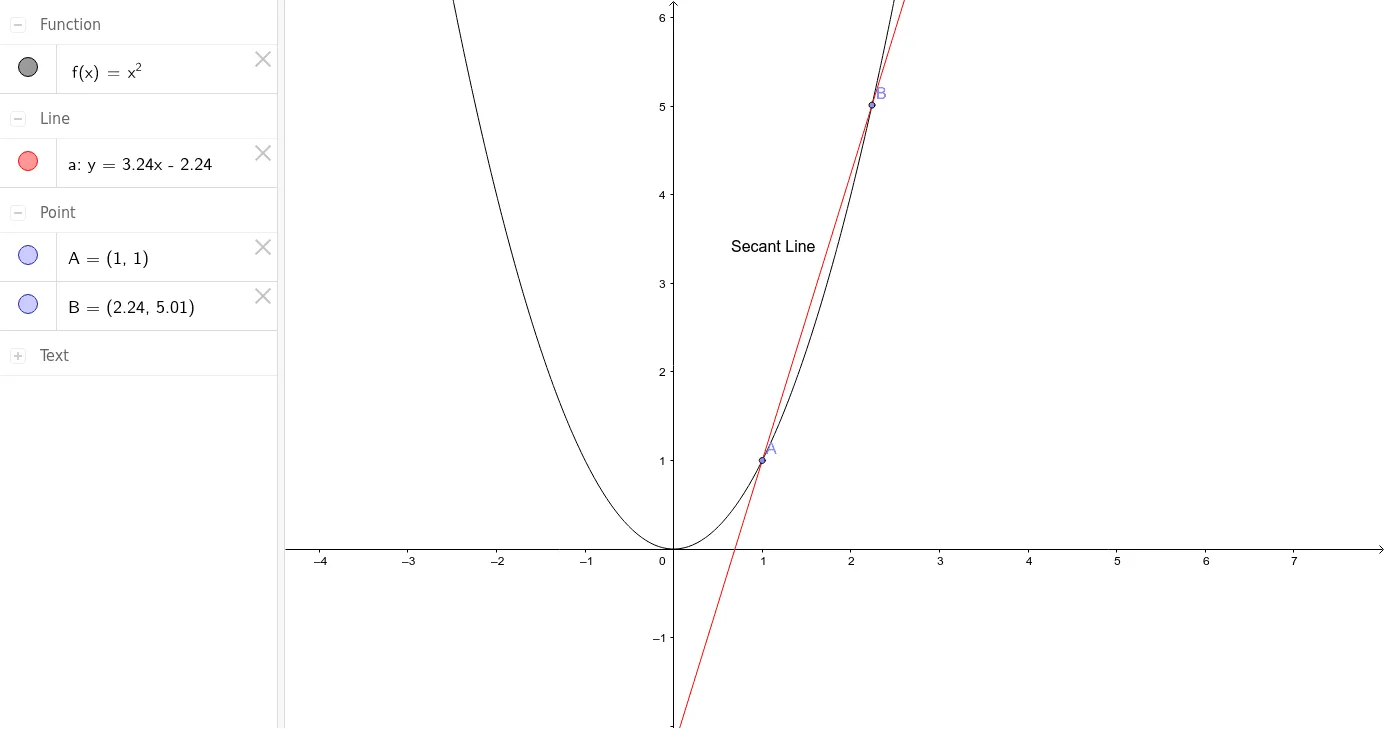
This example introduces the concept of derivatives through the geometry of circles, demonstrating the relationship between tangent slopes and radii. Key mathematical concepts include derivative definition, circle equations, and geometric transformations. Construction involves using Point and Line commands to create circles and tangents, with parameter a controlling tangent position. Suitable for high school students learning calculus fundamentals, ideal for teaching geometry and derivatives integration.
GeoGebra Commands & Parameters
Point(f) → APoint(f) → BLine(B, A) → a
AI Drawing Prompt Reference
Draw a circle and select two points A and B on it. Connect A and B with a line segment a. By moving point B, observe the relationship between line segment a and the circle to understand the connection between the slope of the tangent and the radius, and introduce the concept of derivatives.
The prompt above was compiled from the original drawing commands and is for reference only.