
Integer Addition Game
Loading the math board and drawing, please wait…
In collections
Introduction to Integers and Integer Arithmetics
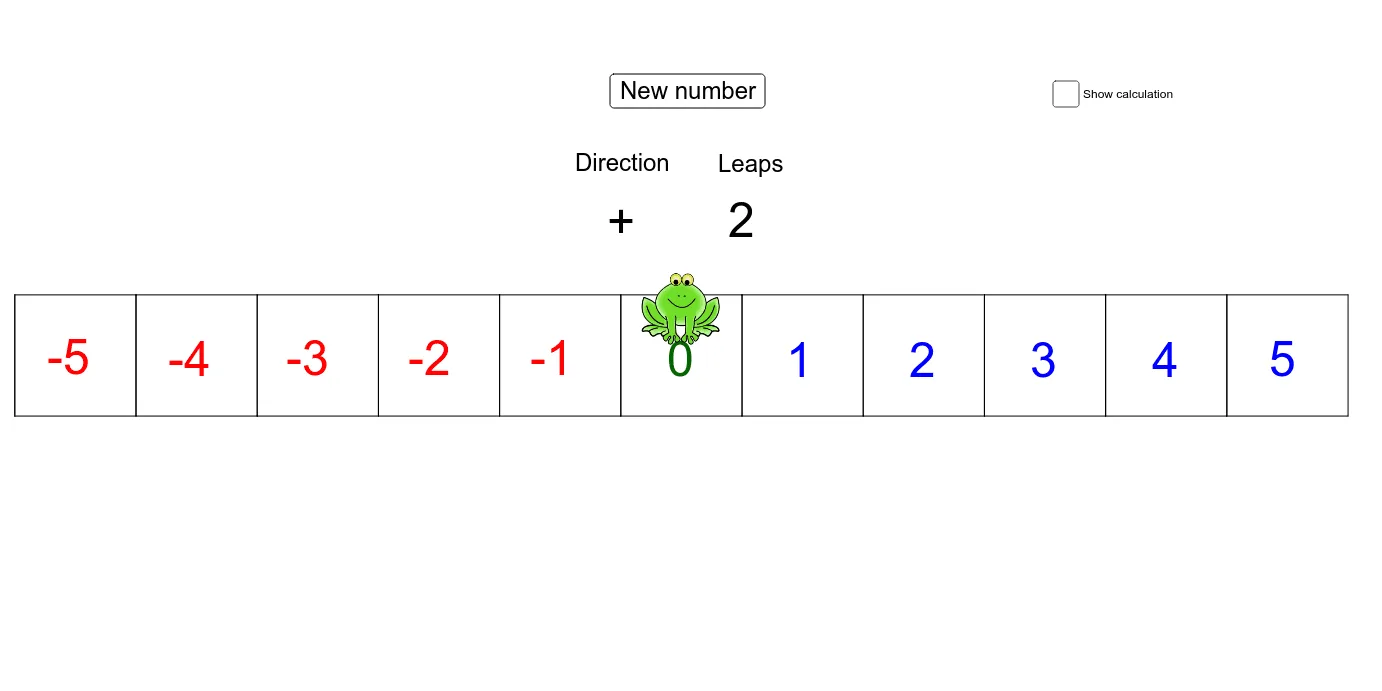
This example demonstrates integer addition through an interactive app. It involves core math concepts like integer operations and number line representation. Construction highlights include GeoGebra commands: Polygon, Point, Rotate, Midpoint, Random. Suitable for elementary and above, it offers a fun way to practice integer addition.
GeoGebra Commands & Parameters
Polygon(A, B, C, D) → poly1, a, b, c, dPoint(Circle[E, a]) → FRotate(F + (b, 0), Angle[C - B] + Angle[F - E] - Angle[B - A], F) → GRotate(G + (c, 0), Angle[D - C] + Angle[G - F] - Angle[C - B], G) → HPolygon(E, F, G, H) → poly2, e, f, g, hPoint(Circle[I, e]) → JRotate(J + (f, 0), Angle[G - F] + Angle[J - I] - Angle[F - E], J) → KRotate(K + (g, 0), Angle[H - G] + Angle[K - J] - Angle[G - F], K) → LPolygon(I, J, K, L) → poly3, i, j, k, lPoint(Circle[M, e]) → NRotate(N + (f, 0), Angle[G - F] + Angle[N - M] - Angle[F - E], N) → ORotate(O + (g, 0), Angle[H - G] + Angle[O - N] - Angle[G - F], O) → PPolygon(M, N, O, P) → poly4, m, n, o, pPoint(Circle[Q, a]) → RRotate(R + (b, 0), Angle[C - B] + Angle[R - Q] - Angle[B - A], R) → SRotate(S + (c, 0), Angle[D - C] + Angle[S - R] - Angle[C - B], S) → TPolygon(Q, R, S, T) → poly5, q, r, s, tPoint(Circle[U, e]) → VRotate(V + (f, 0), Angle[G - F] + Angle[V - U] - Angle[F - E], V) → WRotate(W + (g, 0), Angle[H - G] + Angle[W - V] - Angle[G - F], W) → ZPolygon(U, V, W, Z) → poly6, u, v, w, z_1Point(Circle[A_1, i]) → B_1Rotate(B_1 + (j, 0), Angle[K - J] + Angle[B_1 - A_1] - Angle[J - I], B_1) → C_1Rotate(C_1 + (k, 0), Angle[L - K] + Angle[C_1 - B_1] - Angle[K - J], C_1) → D_1Polygon(A_1, B_1, C_1, D_1) → poly7, a_1, b_1, c_1, d_1Point(Circle[E_1, m]) → F_1Rotate(F_1 + (n, 0), Angle[O - N] + Angle[F_1 - E_1] - Angle[N - M], F_1) → G_1Rotate(G_1 + (o, 0), Angle[P - O] + Angle[G_1 - F_1] - Angle[O - N], G_1) → H_1Polygon(E_1, F_1, G_1, H_1) → poly8, e_1, f_1, g_1, h_1Point(Circle[I_1, a_1]) → J_1Rotate(J_1 + (b_1, 0), Angle[C_1 - B_1] + Angle[J_1 - I_1] - Angle[B_1 - A_1], J_1) → K_1Rotate(K_1 + (c_1, 0), Angle[D_1 - C_1] + Angle[K_1 - J_1] - Angle[C_1 - B_1], K_1) → L_1Polygon(I_1, J_1, K_1, L_1) → poly9, i_1, j_1, k_1, l_1Point(Circle[M_1, e_1]) → N_1Rotate(N_1 + (f_1, 0), Angle[G_1 - F_1] + Angle[N_1 - M_1] - Angle[F_1 - E_1], N_1) → O_1Rotate(O_1 + (g_1, 0), Angle[H_1 - G_1] + Angle[O_1 - N_1] - Angle[G_1 - F_1], O_1) → P_1Polygon(M_1, N_1, O_1, P_1) → poly10, m_1, n_1, o_1, p_1Point(Circle[Q_1, u]) → R_1Rotate(R_1 + (v, 0), Angle[W - V] + Angle[R_1 - Q_1] - Angle[V - U], R_1) → S_1Rotate(S_1 + (w, 0), Angle[Z - W] + Angle[S_1 - R_1] - Angle[W - V], S_1) → T_1Polygon(Q_1, R_1, S_1, T_1) → poly11, q_1, r_1, s_1, t_1Point(Circle[U_1, q]) → V_1Rotate(V_1 + (r, 0), Angle[S - R] + Angle[V_1 - U_1] - Angle[R - Q], V_1) → W_1Rotate(W_1 + (s, 0), Angle[T - S] + Angle[W_1 - V_1] - Angle[S - R], W_1) → Z_1Polygon(U_1, V_1, W_1, Z_1) → poly12, u_1, v_1, w_1, z_2Midpoint(C_2, B_2) → CenterRandom(-5 - n1, 5 - n1) → number
AI Drawing Prompt Reference
Draw an integer addition game diagram with two circles and surrounding polygons. Start by drawing a circle and then rotate points around it to form a quadrilateral. Next, draw another circle around this quadrilateral and rotate points to form another quadrilateral. Repeat this process to create six quadrilaterals. Finally, find the midpoint of two specific points to generate a center point. Randomly generate an integer as the value for the addition operation.
The prompt above was compiled from the original drawing commands and is for reference only.