
Geometry: Construction and Properties of Plane Figures
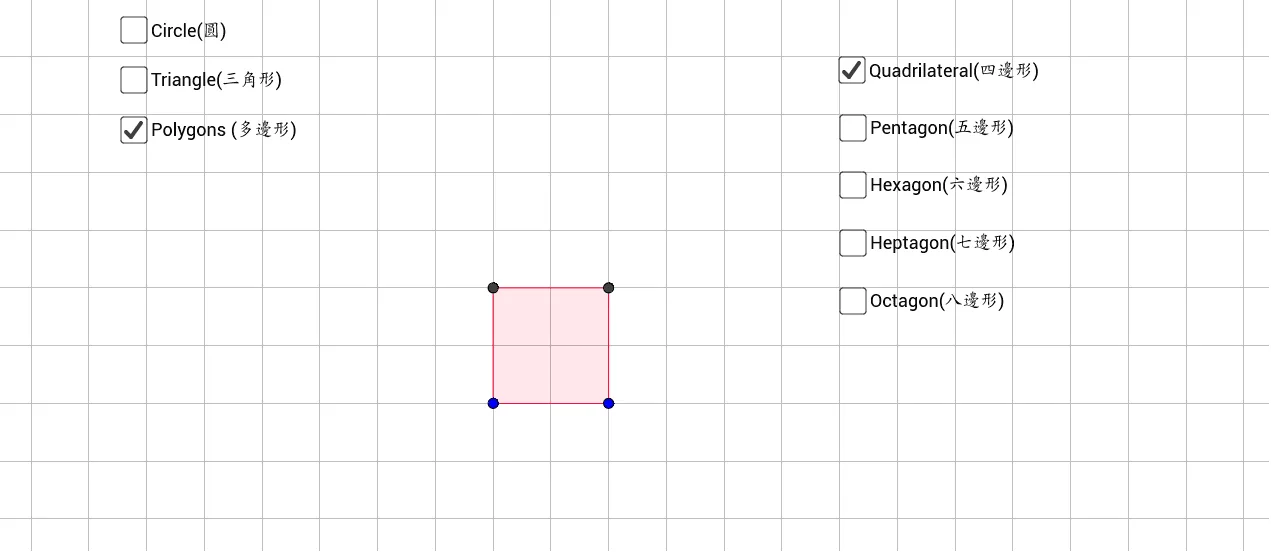
This GeoGebra example demonstrates the construction and exploration of fundamental plane geometry figures. Using commands such as Segment, Circle, Point, Line, Intersect, CircleArc, Midpoint, Angle, and Polygon, it constructs triangles, circles, and polygons while illustrating geometric elements including circumcircles, diameters, radii, arcs, and midpoints. The applet allows students to interactively manipulate points, lines, and curves to observe how geometric relationships change dynamically, reinforcing key theorems and properties of plane figures. Through hands-on exploration, learners can investigate how perpendicular bisectors, medians, and angle bisectors relate to the center and radius of circumscribed circles, how inscribed angles correspond to their subtended arcs, and how polygon interior and exterior angles behave under transformation. The dynamic geometry environment supports both guided discovery and open-ended investigation, making it suitable for classroom instruction, self-paced learning, and visual proof construction. This resource is ideal for students seeking a deeper understanding of how plane figures are built from basic geometric primitives and how their intrinsic properties—such as congruence, similarity, symmetry, and tangency—can be verified and generalized through interactive experimentation.
Loading the math board and drawing, please wait…