
Geometric Construction and Properties of a Parallelogram
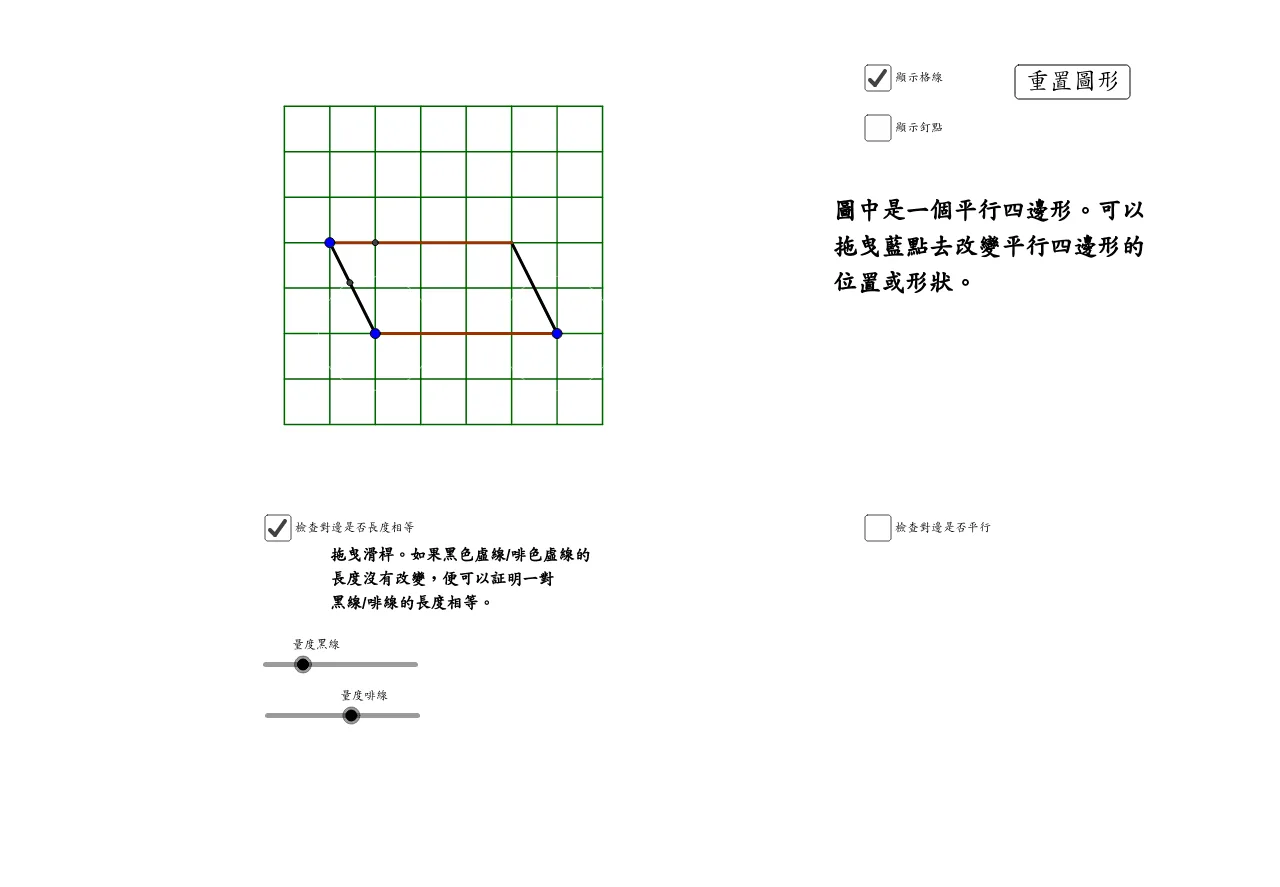
This GeoGebra example demonstrates the geometric construction of a parallelogram and explores its related properties. Using commands such as Line, Segment, and OrthogonalLine, the basic framework of the parallelogram is built. Intersect is used to find intersection points, Circle draws auxiliary circles, and Angle marks angular relationships, while Sequence generates sequential elements. The construction highlights the connections between right triangles and parallelograms, illustrating core plane geometry concepts including parallel lines, equal angles, and the properties of diagonals intersecting at their midpoints. Students can dynamically manipulate the vertices of the parallelogram to observe how these geometric relationships remain invariant under transformation. Through interactive exploration, learners can verify that opposite sides are equal in length, opposite angles are equal, consecutive angles are supplementary, and the diagonals bisect each other. The applet also allows students to trace auxiliary elements such as altitudes and circles, deepening their understanding of how parallelograms relate to other fundamental geometric figures. This tool is well suited for middle school mathematics instruction on parallelograms, serving both as a classroom demonstration aid and as a platform for hands-on inquiry-based learning. By actively engaging with the construction, students develop spatial reasoning skills and gain intuitive insight into geometric proofs involving parallel lines and angle relationships.
Loading the math board and drawing, please wait…