
Geometric Representation of Fractional Exponents
Loading the math board and drawing, please wait…
In collections
Rechnen mit Potenzen
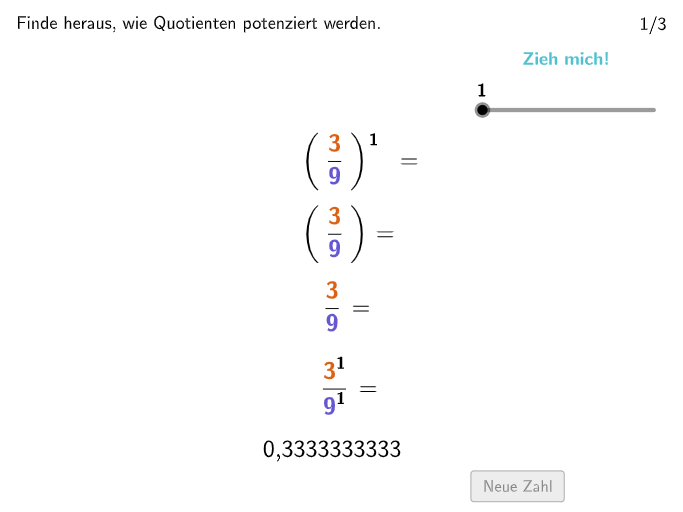
This example demonstrates the geometric interpretation of fractional exponents using GeoGebra. It explores how fractional powers can be visualized through geometric constructions. Key mathematical concepts include exponent rules, fractional exponent definitions, and geometric visualization techniques. Construction involves using commands like Textfield, Shuffle, SelectedIndex, and objects such as Polygon and Segment to create dynamic graphics. Suitable for middle school mathematics education, particularly grades 7-8, to understand the connection between exponent operations and geometric applications.
GeoGebra Commands & Parameters
Textfield(input1) → InputBox1Textfield(input2) → InputBox2Textfield(input3) → InputBox3Textfield(input4) → InputBox4Shuffle({2, 3, 4, 5, 6, 7, 8, 9, 10} \ {oldnum, oldnum2}) → RandomList, {8, 3, 9, 10, 2, 5, 4}SelectedIndex(DD1) → index1Text(Text12, F, false, true, 0, 0) → Text13Text(Text2, B, false, true, 0, 0) → Text5Text(Text6, A, false, true, 0, 0) → Text4Text(Text8, G, false, true, 0, 0) → Text10Segment(H, H + (0, (-lengthArrow))) → fPolygon({I, (x(I), y(J)), J, (x(J), y(I))}) → Lila
AI Drawing Prompt Reference
Draw a geometric representation of fractional exponents. First, create four input boxes to enter the base, exponent, length of the figure, and arrow length. Then, randomly select a number as the exponent value. Next, draw a point H and a downward-right arrow from H. Finally, use two points I and J to draw a rhombus Lila.
The prompt above was compiled from the original drawing commands and is for reference only.