
Geometric Construction: Copy a Line Segment (Construction 1)
Loading the math board and drawing, please wait…
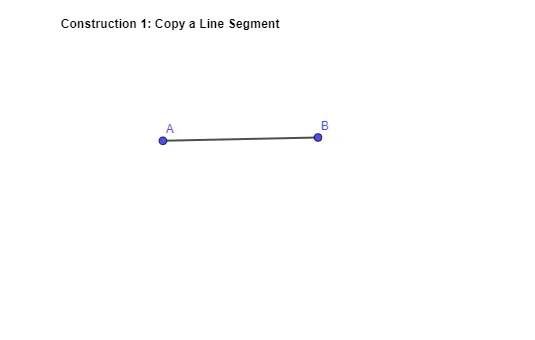
This example demonstrates how to copy a given line segment so that the constructed segment is congruent to the original (equal in length) at the required location. The main mathematical ideas are line segments, geometric construction, and the way length/geometry can be represented within a coordinate environment. Construction-wise, the provided GeoGebra construction summary indicates the use of the Segment command to create the line segment geometry, together with key objects such as points A and B, and additional objects like text1 and f that typically serve for labeling, organizing, or parameter/auxiliary support in the construction. It is well-suited for middle and high school geometry lessons and for students learning GeoGebra-based geometric construction workflows.
GeoGebra Commands & Parameters
Segment(A, B) → f
AI Drawing Prompt Reference
Draw a line segment and copy it to a specified location so that the new segment is congruent to the original, demonstrating line segments, geometric construction, and the representation of length/geometry in a coordinate environment, start by drawing a line segment and then copy it to the new position.
The prompt above was compiled from the original drawing commands and is for reference only.