
GeoGebra 7.3 Lesson: Tangent Lines
Loading the math board and drawing, please wait…
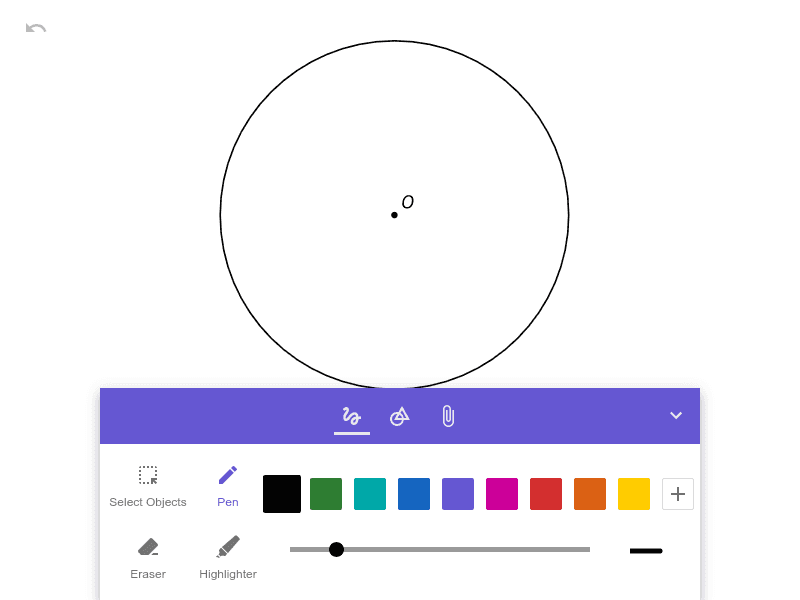
This example demonstrates how to construct a tangent line to a circle (or curve) at a chosen point, emphasizing the key geometric relationship at the tangency point. The core math ideas include the definition of a tangent line and the characteristic perpendicularity property: the tangent at the point of tangency is perpendicular to the radius drawn to that point (equivalently, perpendicular to the corresponding normal direction). It also supports reasoning with right triangles created by the radius–tangent configuration, helping students verify geometric claims. Construction-wise, with the provided construction summary being empty, the typical GeoGebra workflow is: create the circle, mark or select a tangency point, draw the radius from the center to the point, then construct the line through the tangency point perpendicular to that radius to obtain the tangent; optional angle/right-angle markers can be added for confirmation. Suitable for middle school to high school geometry lessons, classroom demonstrations, and self-study focused on tangent line properties.
AI Drawing Prompt Reference
Draw a circle with its center marked. Choose a point on the circle as the point of tangency. Draw a radius from the center to this point. Then construct a line through the tangency point that is perpendicular to the radius; this line is the tangent to the circle. Mark a right angle symbol at the tangency point to show the perpendicularity between the tangent and the radius. Optionally, add a small angle marker at the tangency point to emphasize the 90-degree relationship. The final figure should clearly show the circle, the radius, the tangent line, and the right angle indicator.
The prompt above was compiled from the original drawing commands and is for reference only.