
Frog Jumping and Lotus Pads
Loading the math board and drawing, please wait…
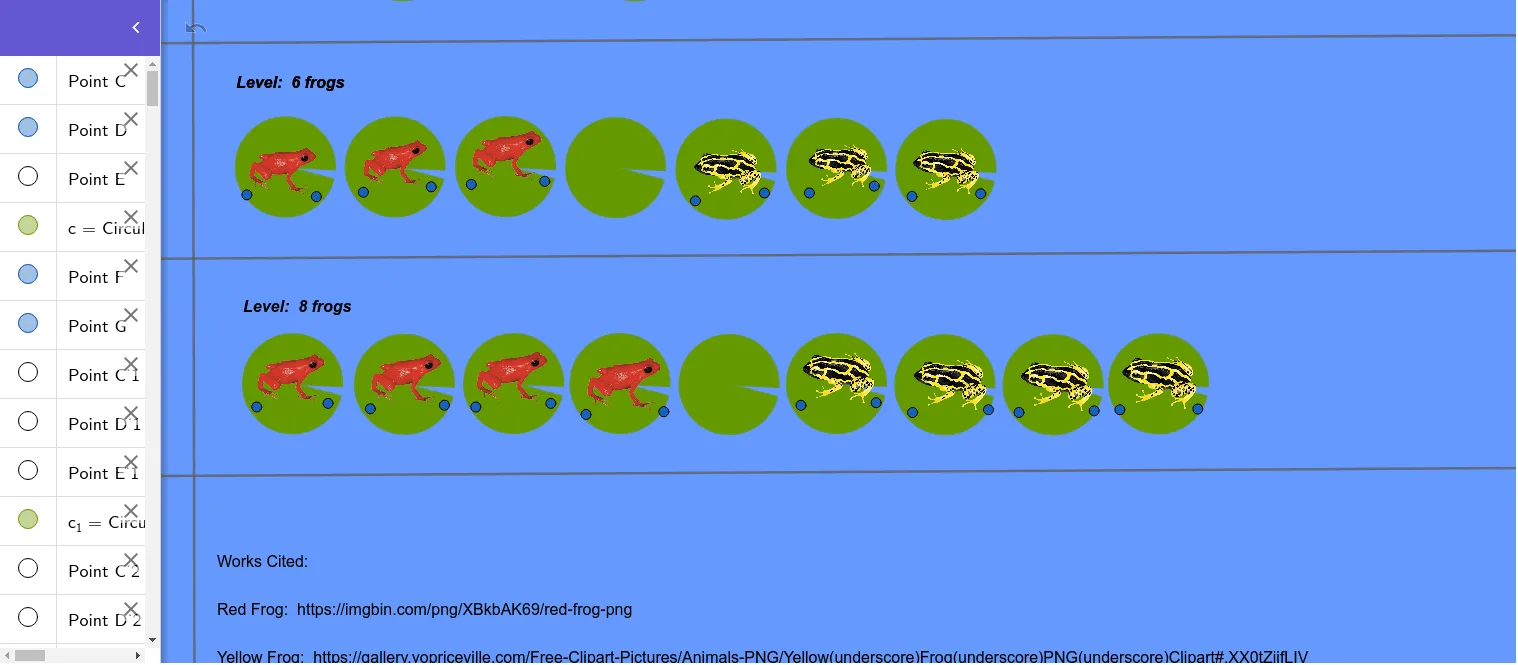
This example demonstrates algebraic patterns through the interaction of frogs jumping and lotus pads. It involves linear equations, linear functions, quadratic equations, and quadratic functions. Using GeoGebra commands such as CircleSector and Line, dynamic geometric figures can be constructed. Suitable for middle school and above students to learn algebra and geometry.
GeoGebra Commands & Parameters
CircleSector(C, D, E) → cCircleSector(C_1, D_1, E_1) → c_1CircleSector(C_2, D_2, E_2) → c_2CircleSector(C_3, D_3, E_3) → c_3CircleSector(C_4, D_4, E_4) → c_4CircleSector(C_5, D_5, E_5) → c_5CircleSector(C_6, D_6, E_6) → c_6CircleSector(C_7, D_7, E_7) → c_7Line(H, I) → fLine(J, f) → gLine(K, g) → hLine(L, h) → iLine(M, N) → jCircleSector(C_9, D_9, E_9) → c_9CircleSector(C_{10}, D_{10}, E_{10}) → c_{10}CircleSector(C_{11}, D_{11}, E_{11}) → c_{11}CircleSector(C_{12}, D_{12}, E_{12}) → c_{12}CircleSector(C_{13}, D_{13}, E_{13}) → c_{13}CircleSector(C_{14}, D_{14}, E_{14}) → c_{14}CircleSector(C_{15}, D_{15}, E_{15}) → c_{15}CircleSector(C_{16}, D_{16}, E_{16}) → c_8CircleSector(C_{17}, D_{17}, E_{17}) → c_{16}CircleSector(C_{18}, D_{18}, E_{18}) → c_{17}CircleSector(C_{19}, D_{19}, E_{19}) → c_{18}CircleSector(C_{20}, D_{20}, E_{20}) → c_{19}CircleSector(C_{21}, D_{21}, E_{21}) → c_{20}CircleSector(C_{22}, D_{22}, E_{22}) → c_{21}CircleSector(C_{23}, D_{23}, E_{23}) → c_{22}CircleSector(C_{24}, D_{24}, E_{24}) → c_{23}Line(I_2, i) → k
AI Drawing Prompt Reference
Create a dynamic graphic of frogs jumping and lotus leaves. First, draw a series of arcs to represent the lotus leaves, then draw two lines to represent the frogs' jumping paths.
The prompt above was compiled from the original drawing commands and is for reference only.