
Exploring the Parabola
Loading the math board and drawing, please wait…
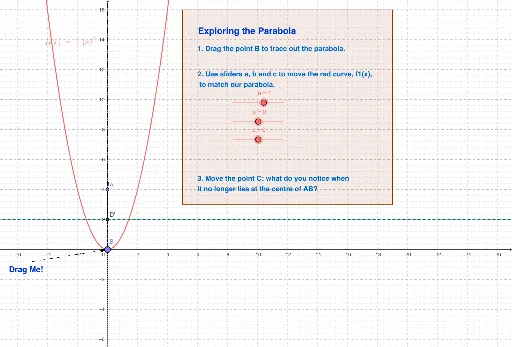
This example demonstrates the properties of a parabola. Key mathematical concepts include the definition of a parabola, tangents, and foci. Using GeoGebra commands such as Point, Segment, and OrthogonalLine, dynamic exploration of the geometric properties of the parabola is possible. Suitable for high school mathematics education and learning.
GeoGebra Commands & Parameters
Point(yAxis) → APoint(xAxis) → BSegment(A, B) → mPoint(m) → COrthogonalLine(C, m) → nOrthogonalLine(B, xAxis) → oIntersect(n, o) → DLocus(D, B) → loc1OrthogonalLine(D, n) → dPoint(o) → ERay(D, E) → eMirror(D, d) → D'Mirror(E, d) → E'Ray(D', E') → fPoint(xAxis) → MPolygon(J, K, L, M) → Q, j, k, l, m_1Polygon(N, O, P, R) → S, n_1, o_1, p, rVector(T, B) → u
AI Drawing Prompt Reference
Draw a parabola. Start by placing a point A on the y-axis and a point B on the x-axis, then draw a line segment AB. Choose a point C on AB, draw a line n perpendicular to AB through C, and draw a line o perpendicular to the x-axis. Find the intersection D of n and o. Use B as a parameter to draw the locus loc1 of D. Reflect D over n to get D', then reflect D' over n to get E'. Draw a line segment D'E'. Choose a point M on the x-axis, and draw a triangle Q with M as the vertex and D'E' as the base. Draw another triangle S with D'E' as the base and a vertex on the x-axis. Finally, draw a vector u from B to M.
The prompt above was compiled from the original drawing commands and is for reference only.