
Equivalent Fractions - Visual Models
Loading the math board and drawing, please wait…
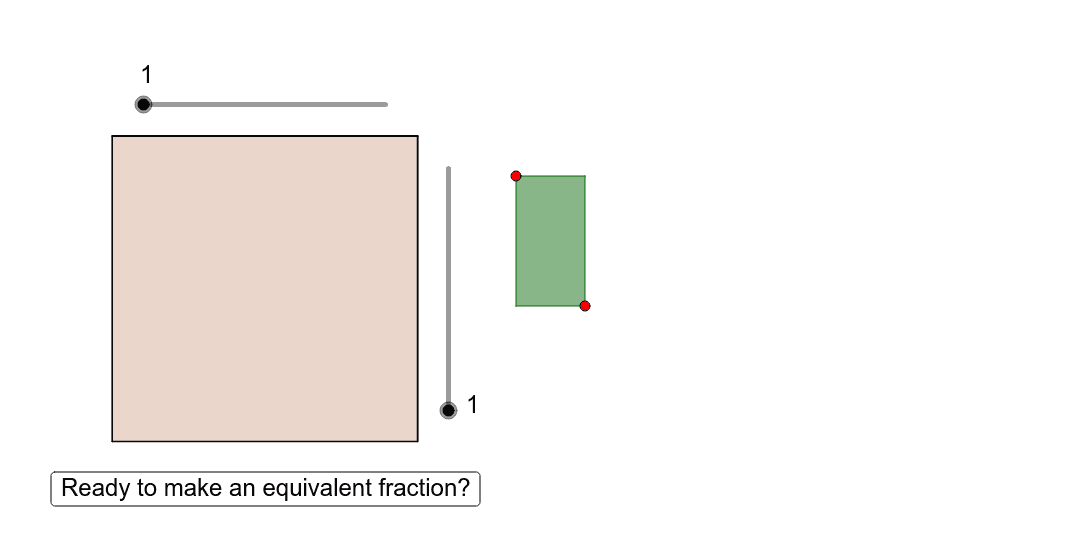
This tool helps students understand the concept of equivalent fractions through visual models. Students can see different fractions representing the same value in a visual way. The core math concepts involved include fractions and geometric construction. It uses commands like Polygon, Function, Point, Intersect, and Sequence in GeoGebra. Suitable for high-grade elementary and junior high school students.
GeoGebra Commands & Parameters
Polygon(E, G, F, H) → poly2, e_1, g, f_1, hFunction(w, 1.8 + poly2, 2.8) → wrPoint(wr) → QIntersect(xAxis, yAxis) → APoint(xAxis) → BPoint(yAxis) → DPolygon(A, B, C, D) → poly1, a, b, c, dSequence(Segment[(0, i / Horizontal), (1, i / Horizontal)], i, 1, Horizontal) → list1Sequence(Segment[(i / Vertical, 0), (i / Vertical, 1)], i, 1, Vertical) → list2Sequence(Segment[(1.8, i / HorizontaI), (2.8, i / HorizontaI)], i, 1, HorizontaI) → list1_1Polygon(J, R, Q, S) → poly4, i, j, k, lSequence(Segment[(1.8 + i / VerticaI, 0), (1.8 + i / VerticaI, 1)], i, 1, VerticaI) → list2_1Polygon((1.8, 1), (2.8, 1), (2.8, 0), (1.8, 0)) → poly3, m, p, q, r