
Effect of Changing Length and Width on Rectangle Area with Fixed Perimeter
Loading the math board and drawing, please wait…
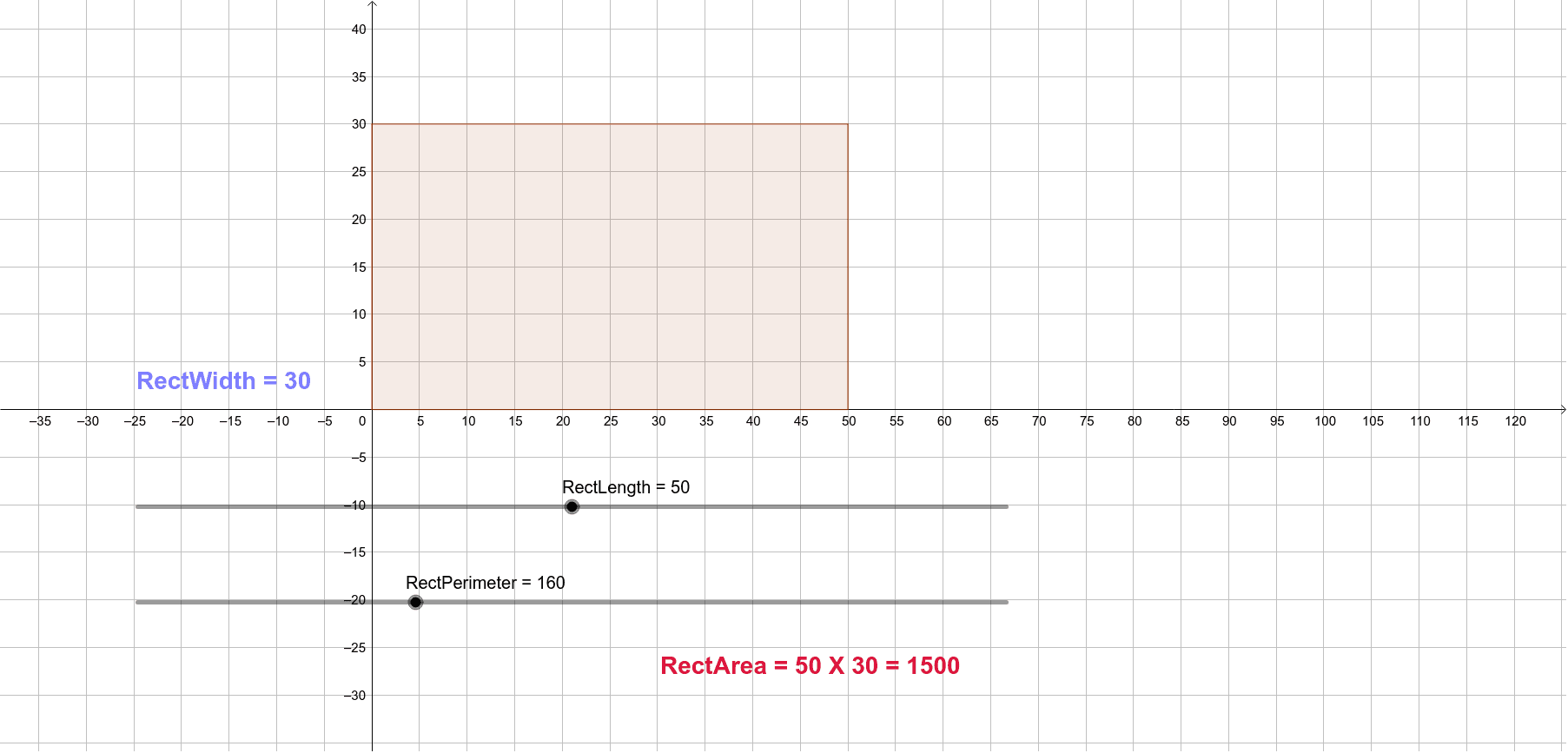
This example demonstrates how changing the length and width of a rectangle affects its area when the perimeter is fixed. Key mathematical concepts include area, perimeter, and rectangles. Using GeoGebra commands such as Circle, Point, Segment, Ray, Rotate, Intersect, Tangent, Polygon, and Area, one can observe the impact of length and width changes on the area. Suitable for middle school and above students or teachers for teaching purposes.
GeoGebra Commands & Parameters
Circle(A, RectLength) → cPoint(Circle[A, RectWidth]) → BSegment(A, B) → fRay(A, B) → gRotate(B, 90°, A) → B'Ray(A, B') → hRotate(A, 90°, B') → A'Ray(B', A') → iIntersect(c, g) → C,Tangent(C, c) → j,Intersect(j, i) → DPolygon(A, C, D, B') → poly1, a, c_1, d, b'Area(poly1) → b
AI Drawing Prompt Reference
Draw a rectangle with a fixed perimeter to demonstrate how its area changes with varying lengths and widths. Start by drawing a circle with the rectangle's length as the radius and a point as the center. From this point, draw a line segment as one side of the rectangle. Rotate this segment by 90 degrees to get the other side. Then, draw rays from both ends of the segment and rotate each ray by 90 degrees to form the remaining two sides of the rectangle. Finally, connect these four sides to complete the rectangle and calculate its area.
The prompt above was compiled from the original drawing commands and is for reference only.